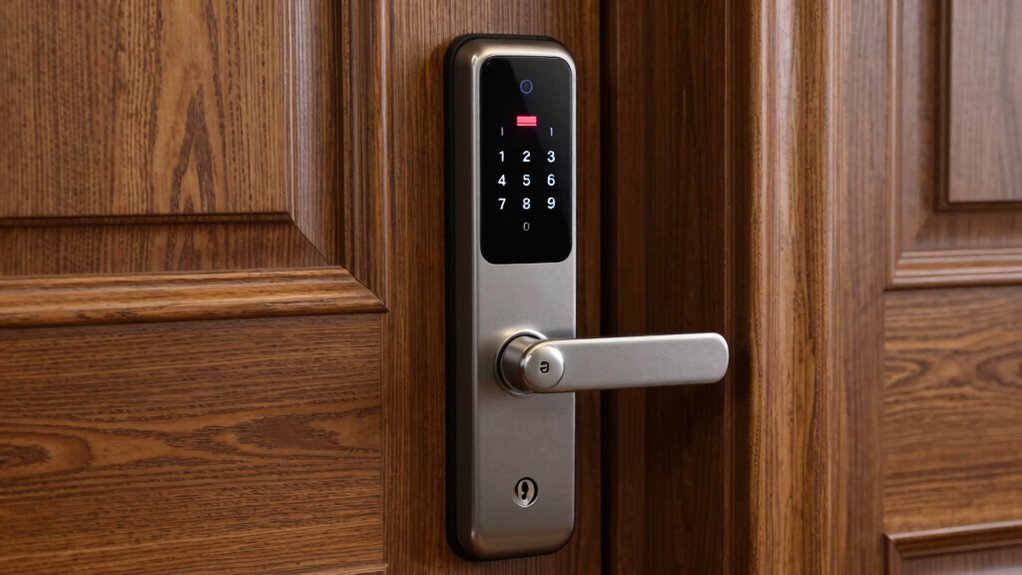

When your smart lock’s batteries die, act quickly by using the backup key or manual override if available. Check for signs of low battery, like slow responses or warning alerts, and replace the batteries safely following the manufacturer’s instructions. Consider alternative power options like portable chargers or wireless charging for future emergencies. To keep your lock reliable, regularly monitor the battery level and explore features with backup power. Keep these tips in mind to stay secure and operational when power runs out.
Key Takeaways
- Use backup keys or manual override to open the lock during battery failure.
- Replace the batteries promptly with manufacturer-recommended, high-quality batteries.
- Check for loose connections or corrosion if the lock won’t respond.
- Keep spare batteries or portable power sources like power banks nearby for emergencies.
- Contact support or a locksmith if you cannot open the lock or troubleshoot issues.

Fingerprint Lock with Key Backup, Smart keyless Waterproof Fingerprint Padlock Ideal for Gym, Door, Suitcase, Luggage Backpack, Bike, Office
【Keyless Fingerprint Padlock with Key Backup】- A smart padlock with high-tech fingerprint sensor technology and auto-recognition function. Farewell…
As an affiliate, we earn on qualifying purchases.
As an affiliate, we earn on qualifying purchases.
What to Do Immediately When Your Smart Lock Won’t Open
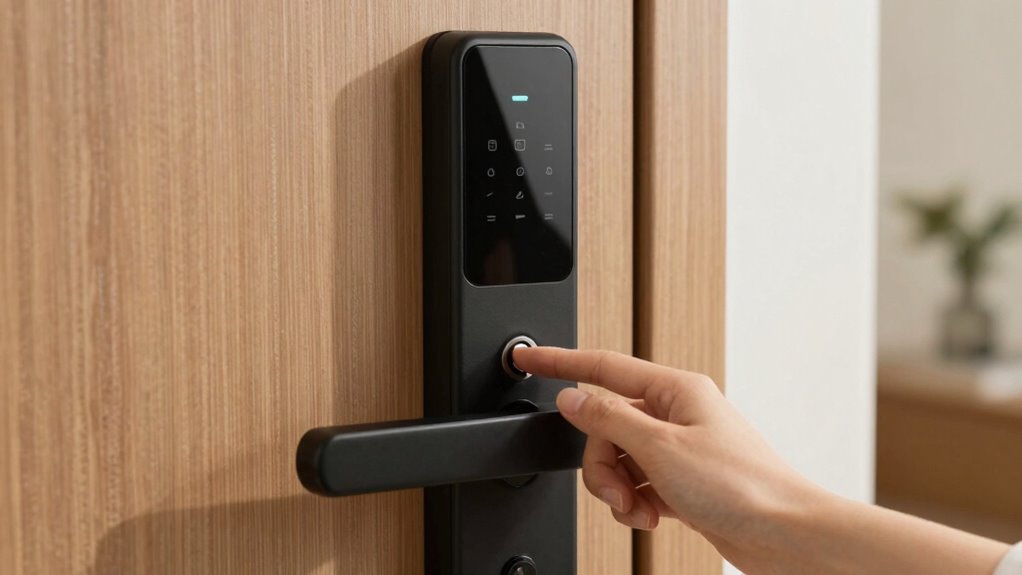
When your smart lock refuses to open, acting quickly can prevent unnecessary stress or delays. First, check the battery compartment for any loose connections or corrosion. Proper battery maintenance is essential—replace old batteries with fresh, high-quality ones to restore power. If your lock offers a manual override or backup key, use it immediately. Meanwhile, conserve power by avoiding unnecessary lock/unlock cycles to extend remaining battery life. Keep a spare set of batteries nearby for emergencies. If you notice your batteries draining faster than usual, it’s a sign to review your power conservation habits, such as disabling unused features or adjusting settings to prolong battery life. Staying proactive with battery maintenance helps ensure your smart lock remains reliable when you need it most. Additionally, familiarize yourself with your device’s accessibility features to prepare for unexpected issues. Regularly checking your battery health can help prevent sudden lockouts and ensure your smart lock functions smoothly over time. For added peace of mind, consider setting up alerts for low batteries if your device supports them, so you’re notified before it completely loses power. Being aware of power-saving options can also help extend your lock’s operational time during emergencies.

Alarm Lock S6061
For Alarm Lock DL and PDL Cylindrical Style Keyless Locks
As an affiliate, we earn on qualifying purchases.
As an affiliate, we earn on qualifying purchases.
Signs Your Smart Lock Battery Is Low
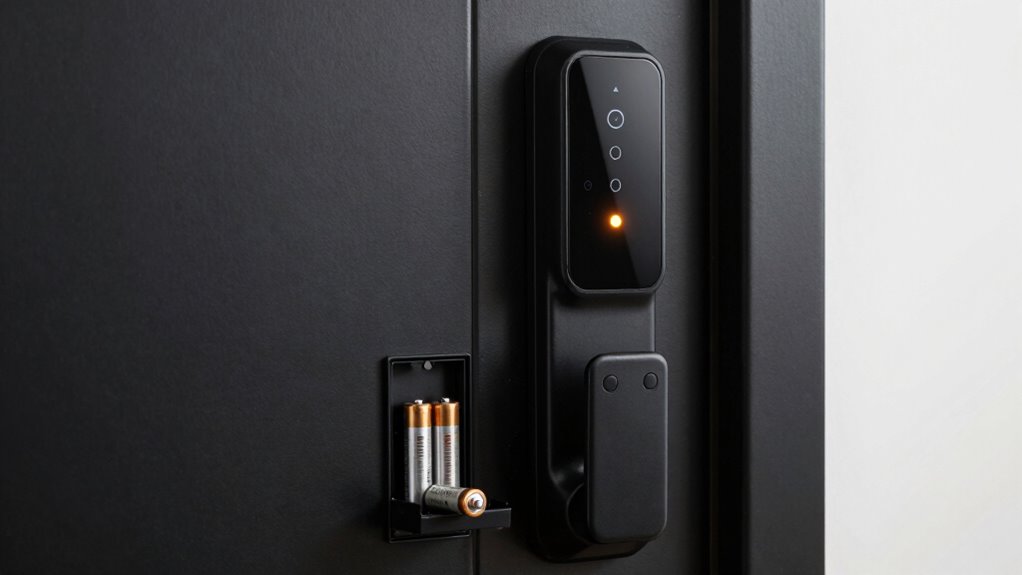
Noticing early warning signs can save you from being secured out unexpectedly. As your smart lock’s battery lifespan decreases, you might notice subtle clues indicating low power consumption. For example, the lock may respond slowly or intermittently, signaling the battery is weakening. You might also see warning messages on your app or keypad. Additionally, the lock’s LED indicators could flash differently, or it may emit beeps more frequently. Keep an eye out for these signs:
- Sluggish response times
- Inconsistent unlocking or locking
- Warning alerts on your device
- Unusual LED flashing patterns
Being aware of smart lock battery life helps you gauge when the battery is nearing depletion. Recognizing them early allows for timely replacement, avoiding potential lockouts or malfunction. Regularly checking battery status indicators can provide early insights into your lock’s power level, ensuring you stay prepared. Additionally, understanding the energetic alignment between your device and your environment can help optimize your security system’s performance and longevity.
Furthermore, understanding power management techniques can extend your battery’s lifespan and improve overall device reliability.

for Magsafe Portable Charger,5000mAh Slim Wireless Magnetic Power Bank with USB C Charging,Travel Essential for Magsafe Battery Pack Compatible with iPhone 17/16/15/14/13/12 Series,Graphite Gray
Precise Magnetic Alignment, Rock-Solid Hold: This magnetic portable charger iPhone is designed for compatible with MagSafe, featuring a…
As an affiliate, we earn on qualifying purchases.
As an affiliate, we earn on qualifying purchases.
How to Recognize a Low Battery in Your Smart Lock

A low battery in your smart lock often shows through subtle but noticeable cues. You might notice the battery lifespan decreasing faster than usual, indicating it’s time to prepare for a change. Many smart locks feature display alerts that warn you when the battery is running low—these notifications can appear as on-screen messages or app alerts. Pay close attention to these signals, as ignoring them could leave you locked out unexpectedly. Some models also emit beeps or blinking lights to alert you of a low battery. Regularly checking your lock’s status and paying attention to display alerts helps you stay ahead of the battery drain. Recognizing these signs early ensures you can replace the batteries before they completely die, maintaining your smart lock’s reliable performance. Battery monitoring features are common in many smart locks and can help prevent unexpected outages, especially when combined with early warning systems. Additionally, staying informed about power management techniques can extend your batteries’ lifespan and improve overall device reliability. Being aware of battery lifespan expectations can help you plan timely replacements and avoid inconvenience.
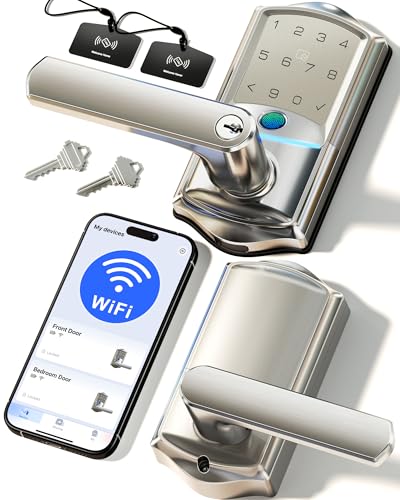
Veise VE029 WiFi Smart Lever Lock, Fingerprint Keyless Entry Door Lock with Handle, Built-in WiFi, Remote App Control, Electronic Digital Knob for Front Door and Bedroom, IP65 Waterproof, Satin Nickel
Built-in Wi-Fi for Remote Access:Control your lock from anywhere via 2.4GHz Wi-Fi – no hub needed. Get instant…
As an affiliate, we earn on qualifying purchases.
As an affiliate, we earn on qualifying purchases.
How to Use Backup Keys and Manual Entry in an Emergency
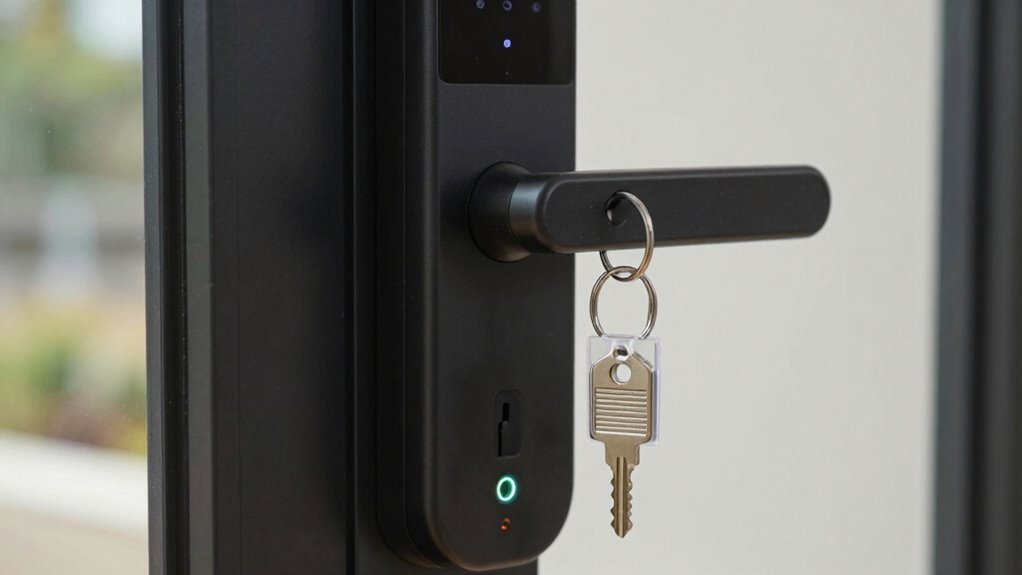
If your smart lock’s batteries die unexpectedly, knowing how to access your door manually becomes essential. Most locks come with a backup key, often stored in a secure location. To guarantee quick emergency access:
- Locate your key storage spot, such as a key safe or hidden compartment.
- Use the backup key to unlock the door directly.
- Keep the key in a known, accessible place for emergencies.
- Practice manual entry so you’re comfortable in urgent situations.
- Regularly test your backup method to ensure it works when needed.
- Consider security best practices when choosing a backup key location to prevent unauthorized access.
- Be aware that some smart locks have additional emergency features, like a physical keypad or override mode, which can be useful in specific situations.
- Additionally, understanding power supply options can help you troubleshoot or prepare for unexpected battery failures.
Having a backup key helps you avoid being locked out and makes certain of safe key storage. Always confirm your backup key’s location periodically and inform trusted family members of its whereabouts. This simple step guarantees you can access your home when the battery dies, maintaining your security and peace of mind.
How to Reconnect and Replace Your Smart Lock Batteries Safely
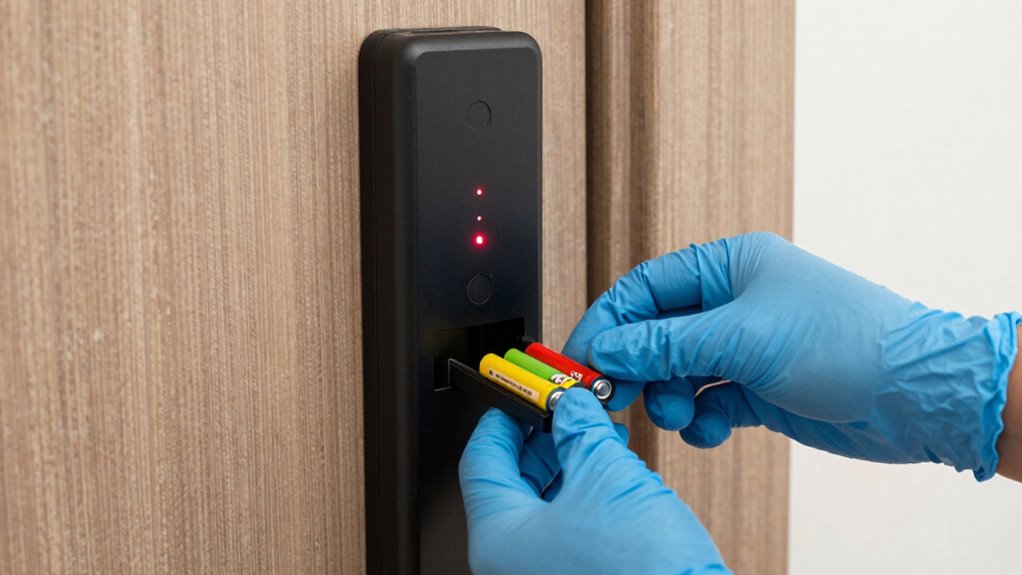
To replace your smart lock batteries safely, start by turning off the power if possible and handling the batteries carefully. Make sure you reconnect the batteries correctly, following the manufacturer’s instructions to prevent damage. Once replaced, test the lock to ensure it functions properly before securing everything back in place.
Safe Battery Replacement Procedures
When replacing your smart lock’s batteries, it’s essential to follow proper procedures to guarantee safety and functionality. First, ensure you use batteries compatible with your lock model to avoid damage or malfunctions. Before opening the device, disconnect power and wear safety gloves. During installation, handle batteries carefully to prevent short circuits. Confirm the lock is grounded properly and avoid forcing components. Always check the manufacturer’s instructions for specific steps. To ensure safety and proper operation, consider these tips:
- Use the correct battery type specified in your manual
- Avoid mixing old and new batteries
- Perform the replacement in a dry, clean environment
- Test the lock after installation to confirm it functions correctly
- Be aware of affiliate disclosure policies that might influence recommended products or procedures
Additionally, battery safety guidelines can help prevent accidents or damage during the process. Properly disposing of batteries after use is also crucial for environmental safety and compliance with local regulations. It’s also advisable to regularly inspect your batteries and lock components to ensure ongoing safety and performance.
Following these steps helps maintain smart lock reliability and safety.
Reconnecting Your Smart Lock
Reconnecting your smart lock after replacing the batteries is a straightforward process that guarantees your device functions correctly. First, verify the new batteries are compatible with your lock model by checking accessories compatibility. Follow the manufacturer’s instructions to re-establish power, which often involves pressing a reset or pairing button. During installation, use proper techniques to avoid damaging the lock or its components. Once powered, open your lock’s app or interface to complete the reconnection process, which may include re-pairing via Bluetooth or Wi-Fi. Keep in mind that some locks require a specific sequence for reinstallation or pairing, so consult your user manual for detailed installation tips. Properly reconnecting your smart lock ensures seamless security and reliable access. Additionally, understanding your smart lock’s cabling solutions can help prevent future issues and ensure optimal performance. Being aware of battery management tips can also extend the lifespan of your lock’s batteries and maintain consistent operation. Regularly monitoring your battery levels can help you anticipate when replacements are needed, avoiding unexpected lockouts.
Alternative Power Options for Your Smart Lock
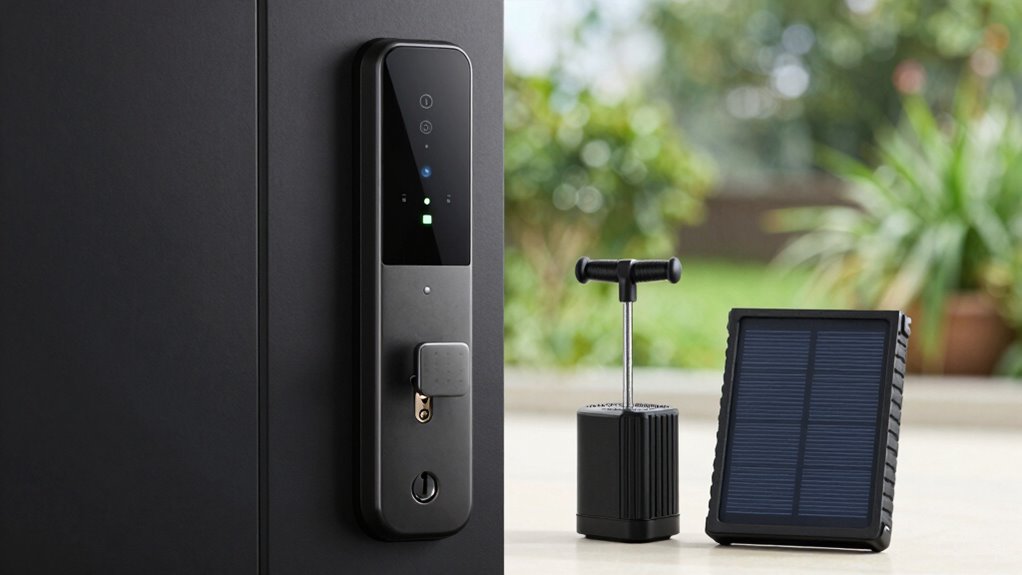
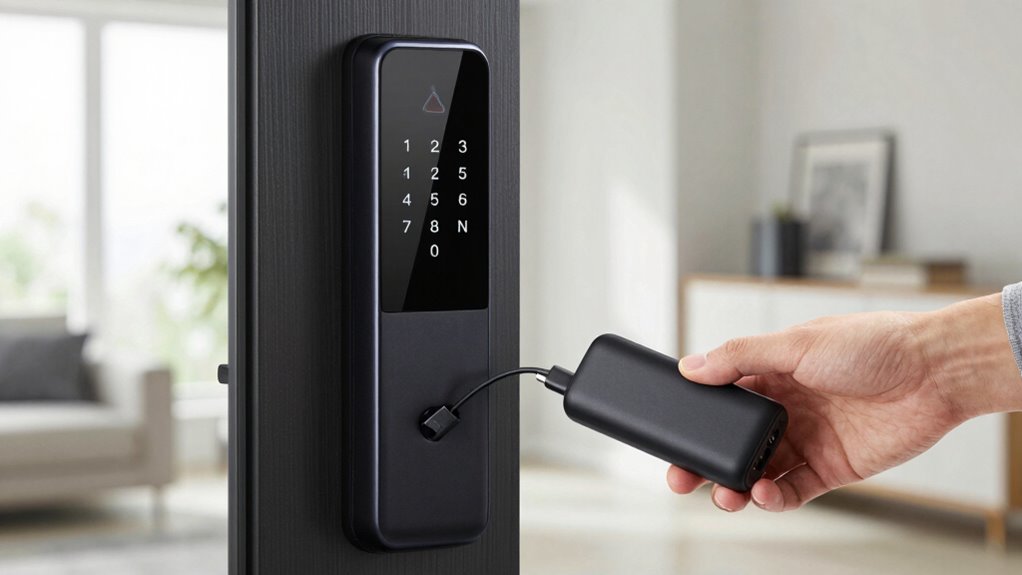
To prevent your smart lock from losing power unexpectedly, consider using backup power sources like external batteries or power banks. Wireless charging options can also keep your lock powered without the necessity to open the device frequently. These alternatives help guarantee your smart lock stays functional even when the main batteries run out.
Backup Power Sources
If your smart lock’s battery dies unexpectedly, having backup power options can save you from being locked out. One practical solution is using solar charging panels to keep your lock powered during the day, especially if you have outdoor access. A fully charged power bank can also provide emergency power, allowing you to open your door when needed. Additionally, some smart locks support wired connections or portable charging docks as secondary power sources. You might consider keeping a small solar charger nearby or a reliable power bank in your emergency kit. These backup options guarantee you won’t be stranded without access and can quickly restore power without hassle. Being prepared with alternative power sources keeps your smart lock functioning smoothly, even when the main battery fails.
Wireless Charging Options
Wireless charging options offer a convenient way to keep your smart lock powered without the need for cables or direct wiring. You can simply place your lock on a compatible wireless charger or use a portable power bank with wireless charging capabilities. This setup provides flexibility and peace of mind, especially during power outages or when you’re away from home.
| Charging Method | Benefits |
|---|---|
| Wireless Charging | Easy, fast, no cables needed |
| Power Bank | Portable, on-the-go power |
| Solar Charger | Eco-friendly, renewable energy |
| Qi Wireless Pad | Compatible with many devices |
| Magnetic Charging | Secure connection, quick charge |
These options ensure your smart lock stays functional without hassle.
Preventing Battery Drain: Tips to Extend Smart Lock Battery Life

Smart locks can quickly drain their batteries if you’re not careful, leading to inconvenient lockouts. To maximize battery life, focus on effective power management and battery conservation. Regularly check and replace batteries before they die. Disable features you don’t use often, such as auto-lock or Wi-Fi, when not needed. Keep firmware updated to improve efficiency. Additionally, consider these tips:
Maximize your smart lock’s battery life by managing power, disabling unused features, and keeping firmware updated.
- Use low-power modes if available
- Limit frequent smart features that consume extra power
- Keep lock firmware current for better power management
- Regularly monitor battery levels through the app
When to Contact Support or a Locksmith
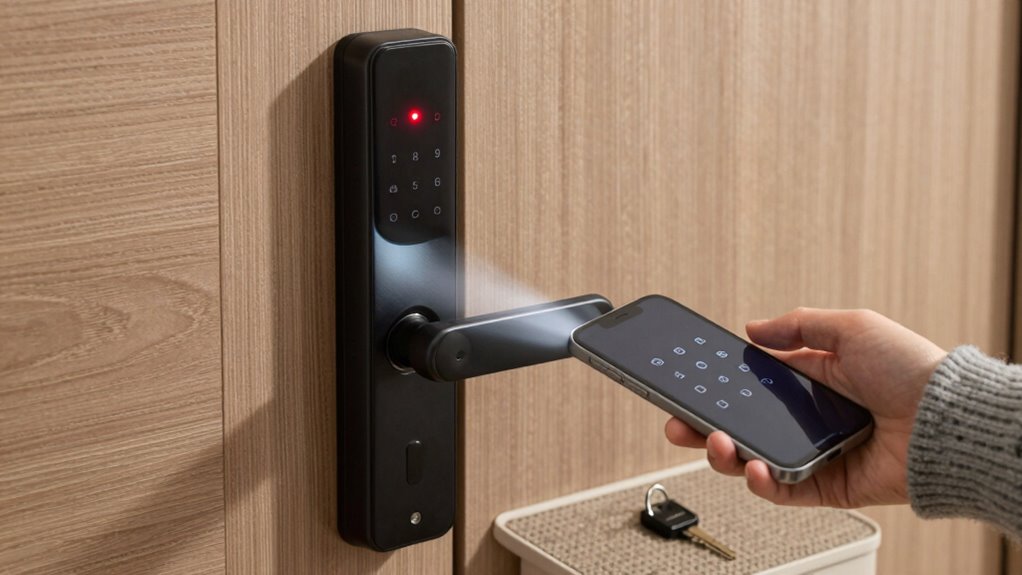
When your smart lock’s battery finally dies despite your efforts to conserve power, it’s time to contemplate reaching out for help. First, try troubleshooting the app; sometimes, a simple reset or reconnect can restore functionality. Check if your device needs firmware updates, as these can fix bugs and improve battery management. If these steps don’t work and you’re unable to open your door, contact support for guidance. They can provide specific instructions or remote assistance. If support can’t resolve the issue quickly, you’ll need a locksmith to access your lock physically. Don’t delay if security or access is urgent—professional help guarantees your home stays secure and your problem gets resolved efficiently.
Choosing Smart Locks With Reliable Battery Backup Features
Choosing a smart lock with dependable battery backup features is essential to guarantee your home remains secure even when the primary batteries run out. Look for locks that offer easy access to backup power sources, such as external batteries or low-battery alerts. Consider models that prioritize battery maintenance, reducing the risk of unexpected power loss. Confirm the lock is compatible with your existing hardware and smart home system to avoid setup issues.
Choose smart locks with reliable battery backups and easy emergency power access to ensure continuous home security.
- Check for long-lasting battery life and low-battery warnings
- Verify easy access to emergency power options
- Confirm compatibility with your smart home ecosystem
- Review maintenance requirements for ideal battery performance
Frequently Asked Questions
Can I Use External Power Banks to Operate My Smart Lock?
Yes, you can use external power options like a power bank to operate your smart lock. Just make certain your power bank is compatible with your lock’s requirements. Many smart locks support power bank compatibility, allowing you to keep your lock functional during battery outages. Connect the power bank with the appropriate cables, and you’ll have a reliable external power source to open your door when needed.
How Long Do Most Smart Lock Batteries Typically Last Before Needing Replacement?
Most smart lock batteries last between six months to a year, depending on usage and the type of batteries you choose. You’ll notice a decline in battery lifespan over time, so it’s important to guarantee your lock’s battery status regularly. To avoid unexpected lockouts, plan for replacement frequency accordingly, and keep spare batteries handy. Proper maintenance ensures your smart lock stays functional and secure, minimizing inconvenience.
Are There Smart Locks With Solar Charging Capabilities?
Yes, there are smart locks with solar charging capabilities that act like a sunflower soaking up sunlight. These solar powered locks use rechargeable batteries, keeping your lock energized with natural power. They’re an eco-friendly option that reduces the need for frequent battery replacements. By harnessing sunlight, you can guarantee your smart lock stays functional even during power outages or extended periods without changing batteries, offering peace of mind and convenience.
What Safety Precautions Should I Take When Replacing Batteries?
When replacing your smart lock batteries, prioritize battery safety by handling batteries carefully and avoiding contact with water. Follow proper replacement procedures, like turning off the lock if necessary and using the correct batteries specified by the manufacturer. Keep batteries away from children, dispose of old batteries responsibly, and avoid mixing old and new ones. These precautions help prevent damage, ensure your lock remains secure, and extend battery life.
Can Smart Lock Batteries Be Recycled or Disposed of Safely?
You can typically recycle smart lock batteries through local recycling programs or special hazardous waste disposal sites. Always check if your community offers designated recycling for batteries, as improper disposal can harm the environment. Avoid throwing them in regular trash, since they contain materials that need safe handling. By recycling through proper channels, you help prevent environmental damage and ensure hazardous waste is managed responsibly.
Conclusion
Think of your smart lock as a trusted guardian, standing vigilant at your door. When its battery fades, it’s like losing that guardian’s strength—leaving you vulnerable. By staying alert to signs of low power and having backup plans, you keep your home’s security shining bright. Regular maintenance and smart choices guarantee your guardian remains steadfast, ready to protect you. Keep the light on, and your home stays safe, no matter what.