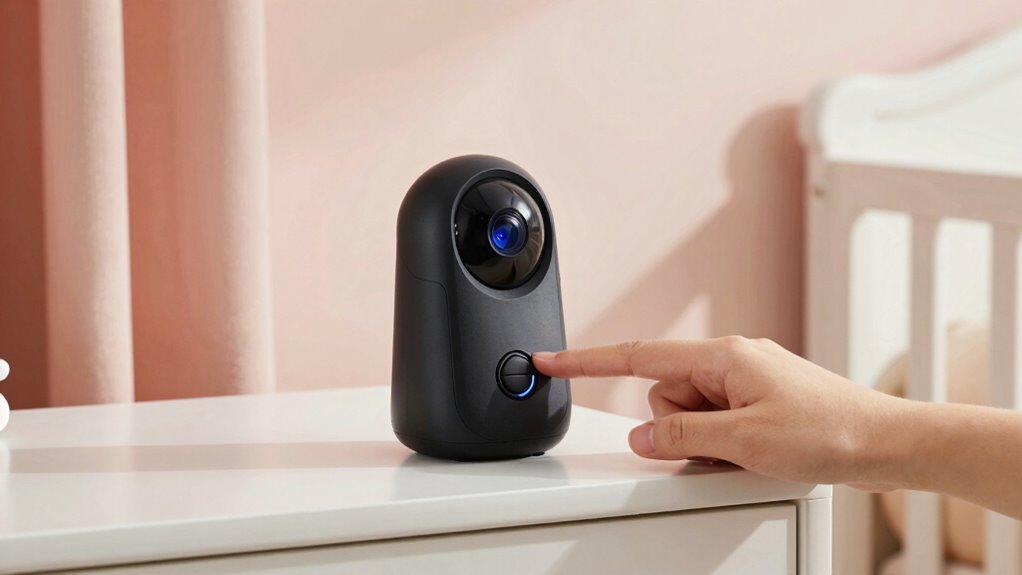

To secure your baby monitor, start by changing default passwords to strong, unique ones. Enable encryption and privacy modes, and turn off or unplug the device when not in use. Protect your Wi-Fi with a robust password and consider creating a separate network for your baby monitor. Regularly update firmware and manage user access carefully. Keep these simple steps in mind, and you’ll find it easier to safeguard your family’s privacy. Explore more tips to stay protected.
Key Takeaways
- Enable privacy modes or disable the camera and microphone when not in use.
- Change default passwords to strong, unique credentials regularly.
- Keep firmware and app software updated to patch security vulnerabilities.
- Use end-to-end encryption and select monitors with privacy features like lens covers.
- Segment your Wi-Fi network, creating a separate guest network for added security.

HelloBaby 4.3'' Video Baby Monitor with 30 Hours Battery, Remote Pan-Tilt-Zoom Baby Monitor No WiFi, Baby Monitor with Camera and Audio, Night Vision, ECO Mode, Two-way Talk, 8 Lullabies, 1000ft Range
【3500mAh Powerful Battery & 4.3'' IPS Screen】Our HelloBaby baby monitor comes with a 3500mAh powerful battery that lasts…
As an affiliate, we earn on qualifying purchases.
As an affiliate, we earn on qualifying purchases.
Why Baby Monitor Security Is Critical for Your Privacy
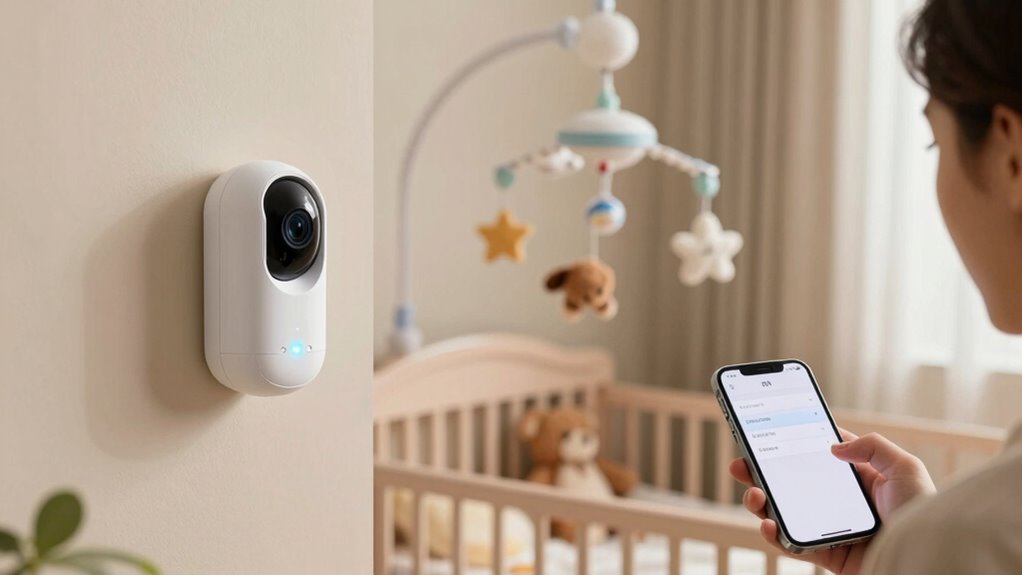
Because baby monitors connect your home network to a device in your child’s room, their security is essential for protecting your privacy. Without proper safeguards, hackers could access your camera streams, compromising your data privacy and exposing sensitive moments. Strong security measures, including encryption and secure Wi-Fi settings, help prevent unauthorized access. Parental control features also play a crucial role by allowing you to manage who can view the feed and adjust settings. Ensuring your monitor is secure not only protects your family’s privacy but also gives you peace of mind. Additionally, understanding security best practices can help you stay vigilant and implement basic security measures effectively. Being aware of device vulnerabilities enables you to address potential weaknesses before they are exploited. Implementing proper registration and verification with reputable brands further enhances your device’s security. By staying vigilant and implementing basic security practices, you create a safe environment for your child and safeguard your personal information from potential threats.

HelloBaby Baby Monitor 6" World First IPS Screen 30H Battery, Secure No WiFi, Pan Tilt Video Camera with Night Vision, VOX, 2-Way Talk, 1000ft, Portable Video Audio Monitor Ideal for Mom, Elderly, Pet
The World's First 6'' IPS Screen Baby Monitor with Camera and Audio HB6560 – Perfect for New Parents…
As an affiliate, we earn on qualifying purchases.
As an affiliate, we earn on qualifying purchases.
How to Change Default Passwords on Your Baby Monitor
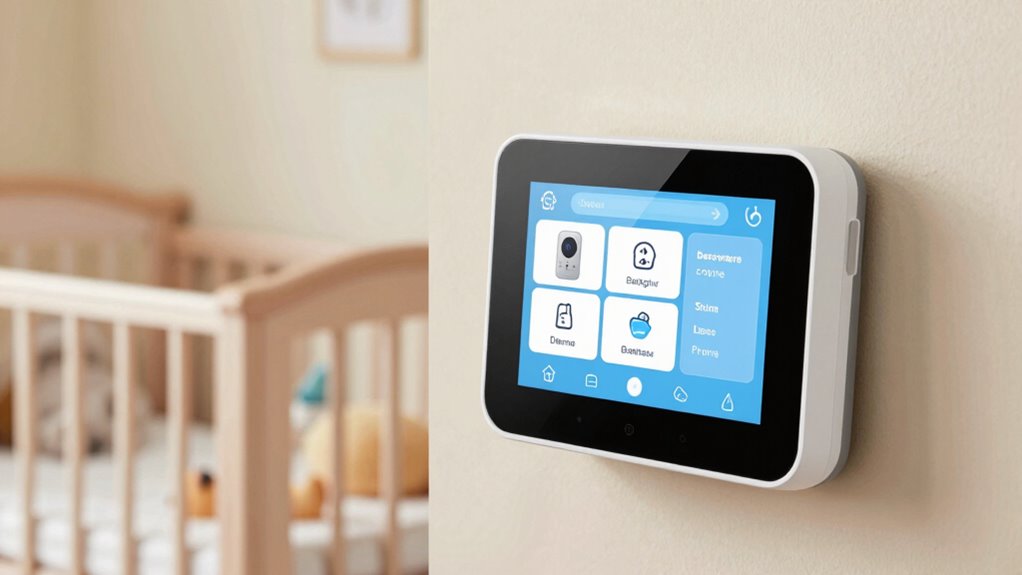
Changing the default password on your baby monitor is a vital step to protect your privacy. You should secure your passwords and update them regularly to prevent unauthorized access. Taking these actions helps keep your little one’s space safe from prying eyes. Additionally, understanding potential paranormal phenomena associated with connected devices can help you recognize and prevent security breaches that might seem supernatural but are actually technical in nature. Regularly reviewing your device’s security settings can further enhance your privacy safeguards and provide peace of mind. Being aware of device vulnerabilities can help you stay ahead of potential threats and ensure your baby monitor remains secure, especially as cybersecurity threats continue to evolve. In regions like Washington D.C., a high level of digital awareness underscores the importance of proactive security measures.
Secure Your Default Passwords
Default passwords on your baby monitor are a common security vulnerability that hackers can exploit, so it’s essential to change them immediately. When creating a new password, focus on password complexity—use a mix of letters, numbers, and symbols—to strengthen user authentication. This makes it harder for unauthorized users to access your camera. Remember, simple or default passwords are easy for hackers to guess. Consider the table below to understand the importance of strong passwords:
| Weak Passwords | Strong Passwords |
|---|---|
| Easy to guess | Complex, unique combinations |
| Common words | Mix of characters and symbols |
| Reused across devices | One-of-a-kind for each device |
| Short and simple | Longer, unpredictable strings |
Secure your default passwords today to protect your privacy. Additionally, choosing Indonesian decor masks that showcase cultural significance can add an aesthetic touch to your home while emphasizing the importance of security and privacy in your personal space. Remember to regularly update your passwords to further enhance your device security, and consider enabling two-factor authentication for an extra layer of protection. Incorporating strong security practices can significantly reduce the risk of unauthorized access to your baby monitor, including avoiding default credentials that are widely known.
Update Password Regularly
Regularly updating your baby monitor’s password is a crucial step in maintaining your privacy and security. Good password management prevents unauthorized access and strengthens your login security. To effectively update your password:
- Access your monitor’s settings through the app or device interface.
- Navigate to the security or password section.
- Choose a strong, unique password that combines letters, numbers, and symbols.
- Consider using a secure lock system for added protection against intruders.
- Remember that password complexity significantly reduces the risk of hacking attempts.
- Additionally, enabling two-factor authentication can provide an extra layer of security for your device.
- Regularly changing your password also helps in detecting vulnerabilities early, ensuring ongoing protection.
Changing your password frequently reduces the risk of hacking and keeps your feeds private. Avoid reusing old passwords, and consider using a password manager to track different credentials securely. Regular updates also help you spot potential vulnerabilities early. Staying proactive with password management ensures your baby monitor remains a safe window into your home, giving you peace of mind and protecting your family’s privacy.
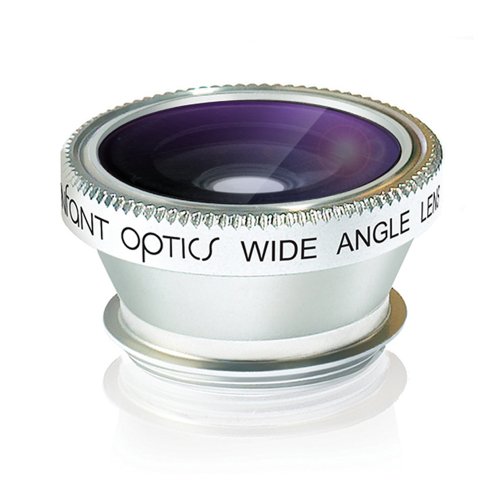
Infant Optics Wide Angle Lens For DXR-8
Wide angle lens provides a 170° panoramic view of the entire room
As an affiliate, we earn on qualifying purchases.
As an affiliate, we earn on qualifying purchases.
Secure Your Wi-Fi Network to Protect Your Baby Monitor
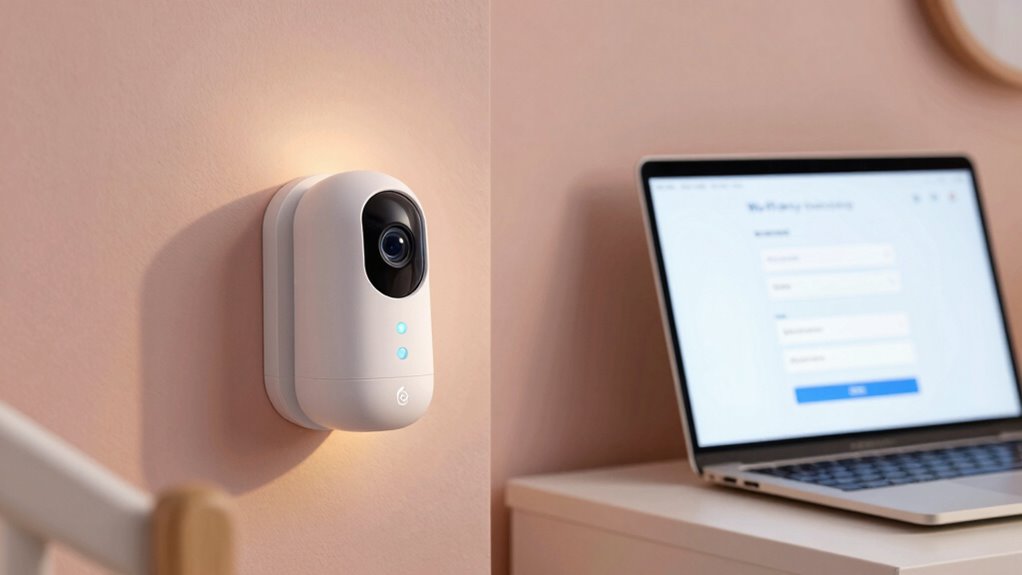
You need to secure your Wi-Fi network to keep your baby monitor safe from intruders. Start by adjusting your router settings to disable unnecessary features and enable encryption. Make sure your Wi-Fi password is strong and unique to prevent unauthorized access. Additionally, consider properly disposing of old or damaged devices to prevent potential security vulnerabilities. Regularly updating your router firmware can also help protect against security flaws and vulnerabilities in connected devices. Paying attention to network security best practices can further enhance your overall device safety and privacy. Being aware of growing concerns about IoT device security can also help you stay vigilant against emerging threats. Implementing secure device configurations can significantly reduce the risk of unauthorized access and enhance your home’s safety.
Secure Router Settings
Securing your Wi-Fi network is essential to protect your baby monitor from unauthorized access. Start by reviewing your router configurations to guarantee default settings are changed, reducing vulnerabilities. Next, enable network segmentation by creating a separate guest network for visitors, keeping your primary network private. This isolation enhances security and prevents potential intruders from accessing your main devices. Additionally, consider environmental impact of tissue paper when choosing your router or accessories to ensure eco-friendly options are prioritized, supporting sustainable practices. Finally, update your router’s firmware regularly to patch security flaws and improve performance. These steps help prevent hackers from gaining access through weak configurations or outdated software. By taking control of your router settings, you strengthen your overall network security and protect your baby’s privacy. Implementing these measures is a simple yet effective way to safeguard your baby monitor from potential threats.
Use Strong Wi-Fi Password
A strong Wi-Fi password is a key line of defense against unauthorized access to your baby monitor. To ensure your network’s security, choose a password with high complexity—mix uppercase, lowercase, numbers, and symbols. This makes it harder for hackers to crack your Wi-Fi encryption. Avoid common words or phrases, and update your password regularly.
| Weak Passwords | Strong Passwords |
|---|---|
| 12345678 | a8#Kp!9xLq2^rB |
| password | Qz!7mN$3sVx@hF |
| qwerty | T$4gR^1sYp8#kL |

ANMEATE 5" HD Video Baby Monitor with Camera and Audio – No WiFi, 48H Battery Life,720P Remote Pan Tilt Zoom, Two-Way Talk, Night Vision, Thermal Room Monitor, Lullabies & White Noise, 1000ft Range
SOOTHE BABY REMOTELY WITH TWO-WAY AUDIO & LULLABIES – Keep your little one comforted instantly. This baby monitor…
As an affiliate, we earn on qualifying purchases.
As an affiliate, we earn on qualifying purchases.
Enable Encryption Settings for a Safer Video Feed
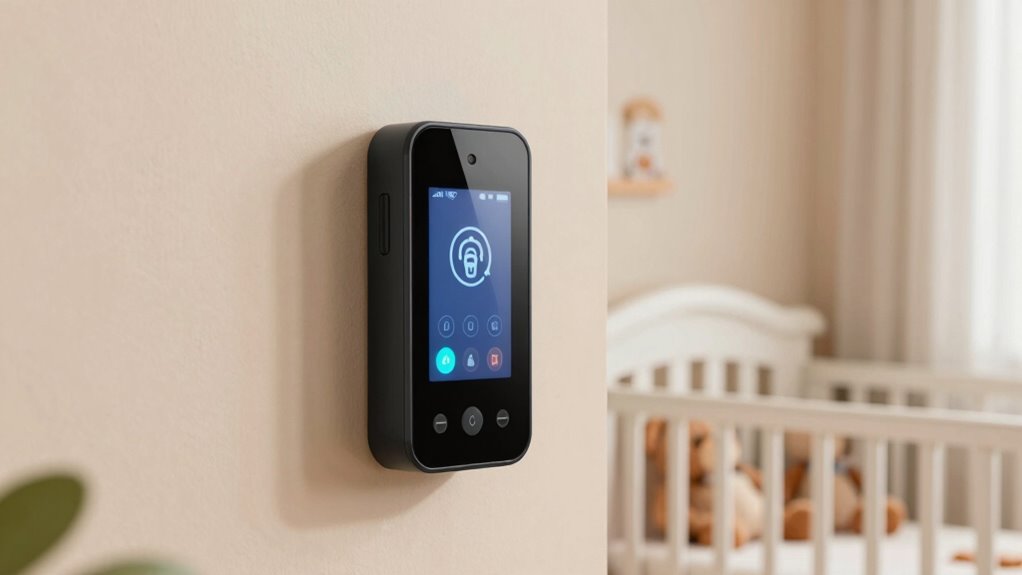
Enabling encryption settings on your baby monitor is essential for protecting your video feed from unauthorized access. This guarantees your privacy settings are strong and your footage remains secure. To do this:
Enabling encryption ensures your baby monitor’s video feed stays private and secure from unauthorized access.
- Access your monitor’s settings menu and locate the encryption options.
- Turn on end to end encryption, which encrypts your video stream from camera to receiver.
- Double-check that your device firmware is up to date, as updates often include security improvements.
Manage User Access and Permissions Effectively
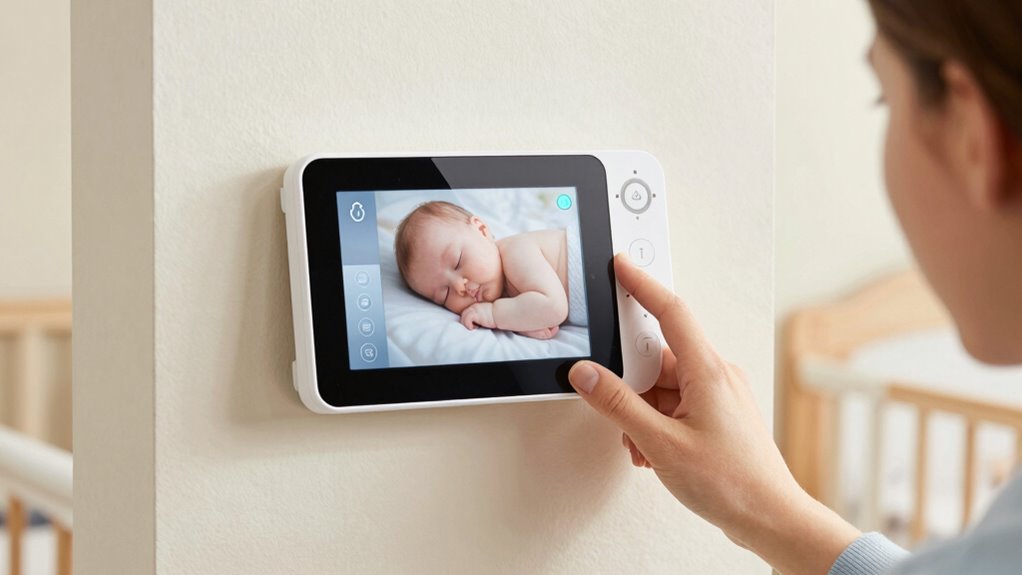
Managing user access and permissions is essential for keeping your baby monitor secure, especially if multiple family members or caregivers need to view the feed. You should regularly review who has access and remove anyone who no longer needs permission. Use the device’s permission management features to assign specific roles or restrict viewing rights, preventing unauthorized users from gaining control. When granting user access, create unique login credentials for each person, and avoid sharing passwords openly. This way, you maintain control over who can see or adjust settings. Be cautious about giving full permissions to everyone, especially temporary caregivers, and revoke access promptly once it’s no longer needed. Proper permission management keeps your monitor’s feed private and your home safer.
Keep Firmware Updated to Fix Security Vulnerabilities
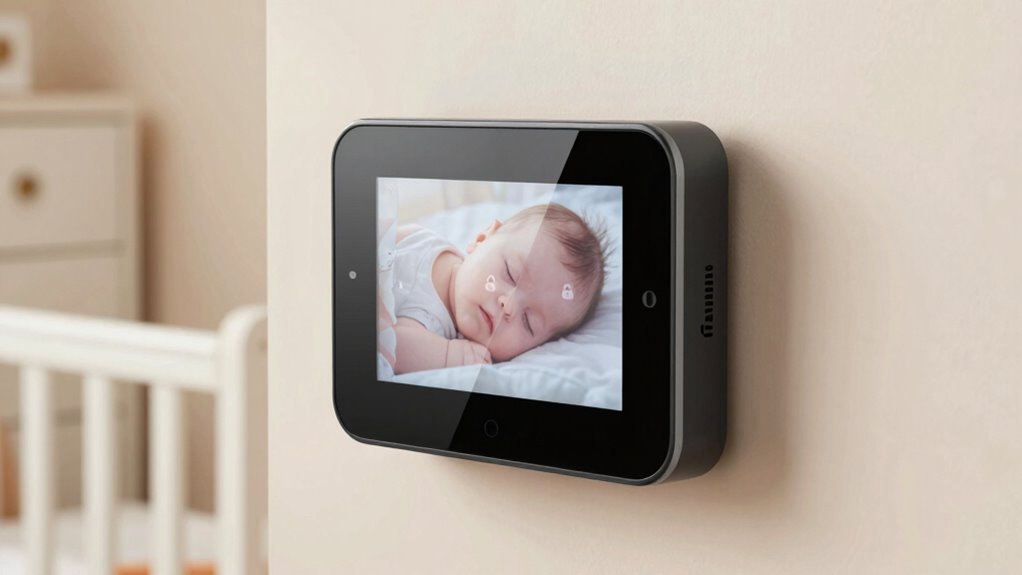
Keeping your baby monitor secure doesn’t stop at managing user access; it also requires regularly updating its firmware. Firmware updates are vital because they include security patches that fix vulnerabilities. To stay protected, you should:
Regular firmware updates are essential to patch security vulnerabilities and protect your baby monitor.
- Check for firmware updates regularly through the device’s app or settings menu.
- Enable automatic updates if your monitor supports this feature.
- Install updates promptly to ensure you benefit from the latest security patches.
These updates help close security gaps that hackers might exploit. Ignoring firmware updates leaves your monitor vulnerable to unauthorized access. By staying current, you reduce the risk of privacy breaches and keep your baby’s environment safe. Regular updates are a simple but essential step in maintaining your monitor’s security.
Use Privacy Modes or Turn Off Your Baby Monitor When Not in Use
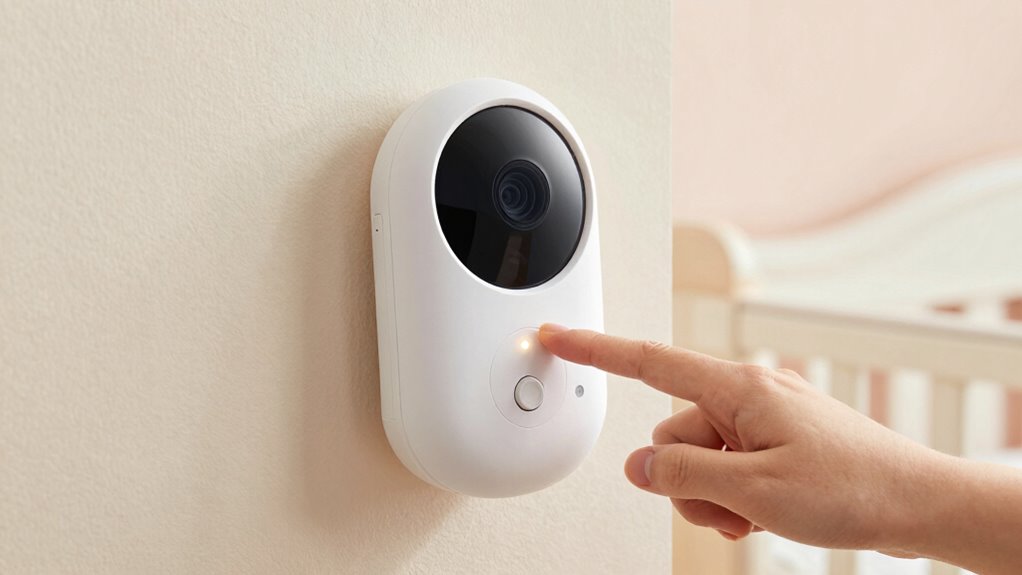
To protect your baby’s privacy, it’s important to use privacy modes or turn off your baby monitor when it’s not in use. Privacy modes temporarily disable the camera and microphone, preventing any unauthorized access or eavesdropping. Activating privacy modes is a simple way to guarantee your monitor isn’t transmitting data when you don’t need it. If privacy modes aren’t available, turning off the monitor completely is an effective alternative. This step eliminates any risk of hackers accessing the feed or listening in when the monitor isn’t actively needed. Regularly turning off your baby monitor when it’s not in use minimizes potential vulnerabilities and keeps your family’s private moments protected. Always remember to disable your monitor if you’re not actively monitoring your baby.
How to Choose a Baby Monitor With Built-In Privacy Features
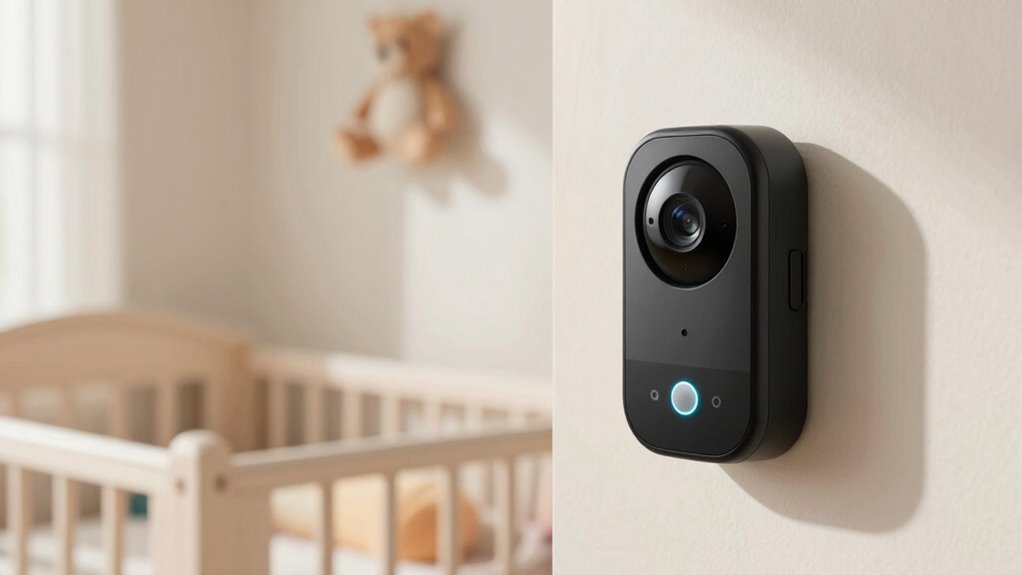
When choosing a baby monitor, prioritizing built-in privacy features guarantees your family’s communications stay secure. Look for monitors with clear privacy labels to confirm they meet security standards. Also, consider how camera placement can affect privacy—opt for models that allow you to control angles or cover the lens easily. To guarantee privacy, focus on these key features:
- End-to-end encryption for secure video transmission
- Adjustable camera placement to prevent unauthorized viewing
- Privacy labels indicating compliance with data protection regulations
These features help you maintain control over your baby’s environment and prevent potential security breaches. Choosing a monitor with strong privacy options ensures your family’s conversations and images stay protected.
Troubleshooting Common Baby Monitor Security Issues

Even with the best privacy features, baby monitor security issues can still arise if you don’t stay vigilant. One common problem is poor camera placement, which can inadvertently reveal sensitive areas or allow outsiders to see more than intended. Make sure your camera is positioned securely, out of reach of children or potential intruders, and avoid pointing it at private spaces. Audio privacy can also be compromised if your device’s microphone isn’t protected or if there’s background noise that leaks into the feed. Regularly update your monitor’s firmware and reset passwords to prevent unauthorized access. Additionally, disable any unnecessary audio features and confirm that your network is protected with strong encryption. Staying proactive helps ensure your baby monitor remains a safe and private tool.
Frequently Asked Questions
Can I Monitor My Baby Remotely Without Internet Access?
Yes, you can monitor your baby remotely without internet access by setting up offline monitoring on your local network. You’ll need a baby monitor that supports local streaming options, such as Wi-Fi or Ethernet. Connect the camera and receiver to the same network, then use a compatible app or device to view the feed. This way, you keep an eye on your baby securely without relying on an internet connection.
What Are Signs My Baby Monitor Has Been Hacked?
Did you know that 25% of smart device users experienced unauthorized access? If your baby monitor shows unusual activity like strange noises, unexplained movements, or you notice it’s online when you’re not using it, you might have been hacked. These signs point to unauthorized access. Always check for unusual activity, change default passwords, and keep your firmware updated to protect your monitor from potential breaches.
Are There Legal Privacy Concerns With Baby Monitor Cameras?
Yes, there are legal privacy concerns with baby monitor cameras. Privacy laws and surveillance regulations vary by location, but generally, you must respect others’ privacy rights and avoid unauthorized recording or monitoring. When using your camera, guarantee it’s only focused on your property and that you’re following local laws. Avoid sharing footage without consent, and keep firmware updated to prevent hacking, which can lead to legal issues.
How Long Should I Keep My Baby Monitor’s Firmware Updated?
Imagine a parent who ignored firmware updates and faced a security breach. You should keep your baby monitor’s firmware updated regularly, ideally once a month, to stay ahead of vulnerabilities. Follow the security patch schedules provided by the manufacturer and check for updates frequently. This proactive approach helps protect your privacy and keeps your camera secure from potential hacking attempts. Staying current is essential for peace of mind.
Is It Safe to Use Cloud Storage for Baby Monitor Footage?
Using cloud storage for your baby monitor footage can be safe if you prioritize cloud storage security and data encryption. Choose providers that offer strong encryption and multi-factor authentication. Regularly update your account passwords and review privacy settings. Avoid sharing access unnecessarily, and monitor your account activity for suspicious behavior. When these precautions are in place, cloud storage can be a secure way to back up your footage while maintaining privacy.
Conclusion
Did you know that over 60% of baby monitor security breaches happen because users don’t update their settings? By following simple steps like changing default passwords, enabling encryption, and keeping firmware current, you can substantially boost your privacy. Protecting your little one’s safety and your family’s privacy isn’t complicated—you just need to stay vigilant. Take control now to enjoy peace of mind, knowing your baby’s monitor is secure from potential threats.