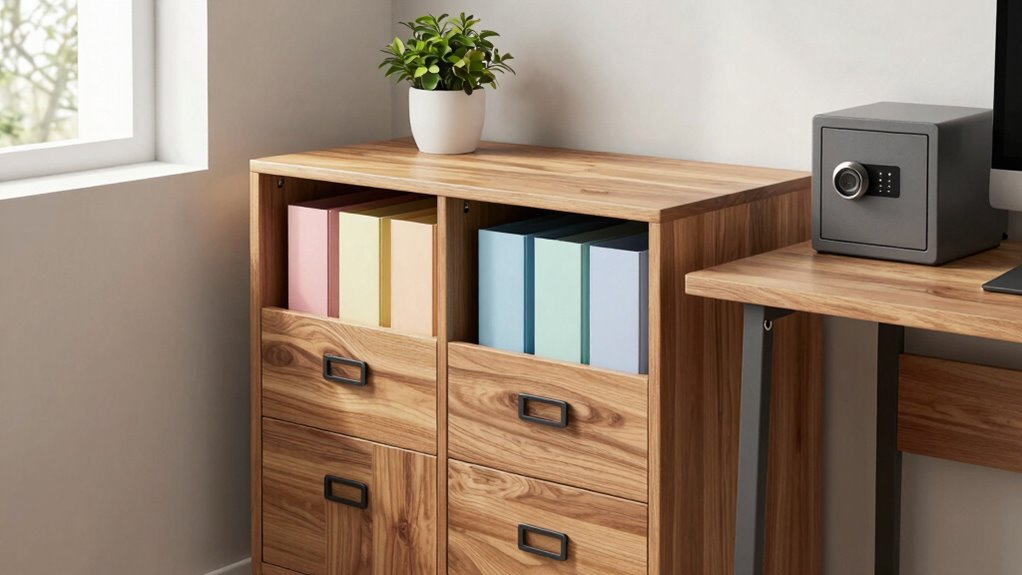

To protect important records without clutter, digitize your documents using scanners or mobile apps and store them securely on cloud services or external drives. Use fireproof safes or waterproof containers for physical copies, and keep them organized in labeled folders. Strengthen digital security with strong passwords and encryption. Combining digital backups with organized physical storage helps you stay tidy while ensuring your records are safe. Keep exploring to discover even more effective strategies.
Key Takeaways
- Digitize records and store them securely in cloud services or external drives for easy access and minimal physical clutter.
- Use labeled, compact folders or containers to organize physical documents efficiently and prevent disorganization.
- Implement a digital inventory system to track and manage both physical and electronic records systematically.
- Protect physical documents with fireproof and waterproof safes, reducing the need for multiple copies and clutter.
- Regularly review and delete outdated or duplicate files to keep records streamlined and manageable.
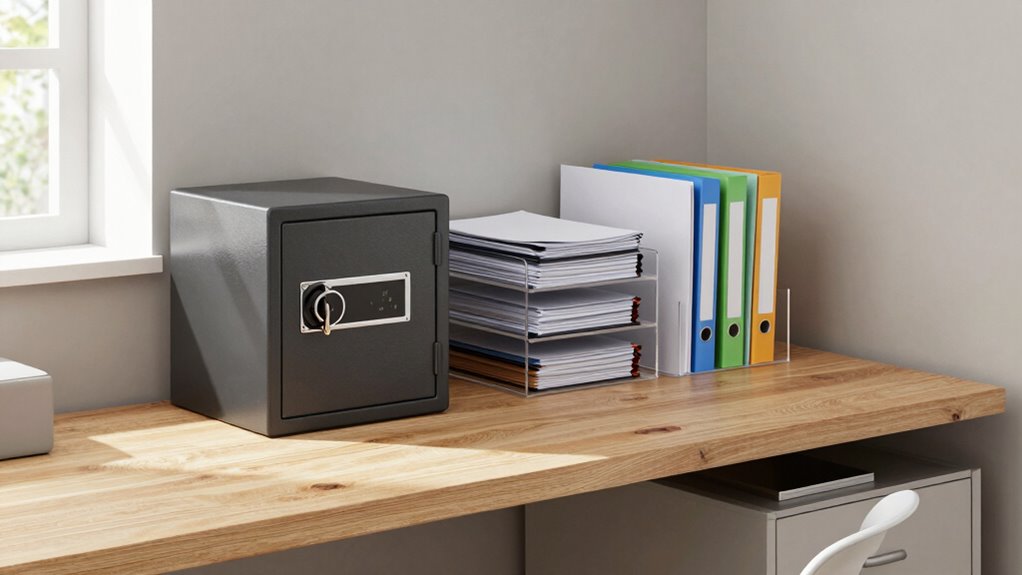
Protecting your important records doesn’t mean you have to sacrifice space or create chaos. Instead, you can implement smart strategies that keep your documents safe while maintaining a tidy environment. Digital backups are essential in this process. By digitizing your records, you reduce the need for physical copies that take up space and are vulnerable to damage or loss. Use a scanner or a mobile scanning app to convert paper documents into clear digital files. Once digitized, store these files securely on your computer, external hard drive, or cloud storage service. Cloud storage options like Google Drive, Dropbox, or OneDrive offer the advantage of accessible, secure storage that’s protected with encryption and password protection. This way, even if your physical files are misplaced or destroyed, you’ll have a safe digital copy to refer to. Digital backups are a crucial part of modern record protection strategies. Implementing effective file organization techniques can further enhance your ability to quickly locate important documents when needed.
To further bolster your document security, consider implementing additional encryption methods to safeguard sensitive information during storage and transfer. Incorporating data encryption into your digital storage practices ensures that your files stay protected even if unauthorized access occurs. When it comes to secure storage, it’s important to keep both physical and digital files protected. For physical records, invest in a fireproof and waterproof safe that can withstand environmental hazards. Keep sensitive documents like birth certificates, legal papers, and financial statements in this secure location. For digital files, make sure you use strong, unique passwords for your accounts and enable two-factor authentication whenever possible. Regularly update your security software to prevent malware or hacking attempts that could compromise your digital backups. Consider encrypting your files, especially if they contain sensitive information, to add an extra layer of protection. Additionally, understanding biodiversity and its importance can motivate you to adopt (more sustainable) storage practices that minimize environmental impact.
Organizing your records is equally important in avoiding clutter. Use labeled folders or digital tags to categorize your files, making them easier to find when needed. Create a master inventory list that tracks what you have stored physically and digitally, so you’re not searching blindly. Periodically review your records, removing duplicates or outdated documents to keep your collection manageable.
You don’t have to choose between security and space. Digital backups combined with secure storage solutions allow you to protect your records efficiently while keeping your living or working space organized. By digitizing important documents, securing both physical and electronic files, and maintaining a good organizational system, you’ll ensure your records are safe, accessible, and free from clutter. This approach not only saves space but also provides peace of mind, knowing your critical information is protected against accidental loss or damage.
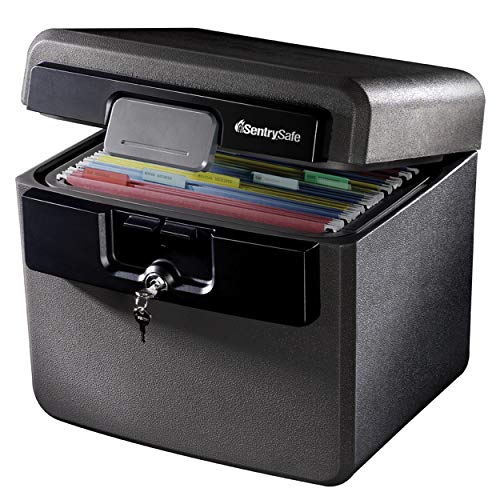
SentrySafe Black Fireproof and Waterproof Safe, File Folder and Document Box with Key Lock, 14.3 x 15.5 x 13.5 inches, HD4100
- Fire and Water Protection: UL and ETL verified for safety
- Spacious Interior: Fits hanging file folders and documents
- Secure Key Lock: Includes two keys for backup security
As an affiliate, we earn on qualifying purchases.
As an affiliate, we earn on qualifying purchases.
Frequently Asked Questions
What Are the Best Digital Tools for Record Protection?
You should consider using digital tools like cloud backup services to securely store your records online, ensuring easy access and disaster recovery. Look for tools that prioritize encryption security to protect sensitive information from unauthorized access. Popular options include Dropbox, Google Drive, or specialized backup solutions like Backblaze. These tools seamlessly safeguard your important records without creating clutter, giving you peace of mind knowing your data is protected and organized efficiently.
How Often Should I Review My Important Records?
You should review your important records at least once a year to guarantee everything stays current and accurate. Establish a regular storage schedule planning process to keep track of when reviews are due. During each review, verify the relevance and completeness of your records, update any outdated information, and decide if any documents need to be archived or discarded. This routine helps maintain organized, protected records without creating clutter.
Can Fireproof Safes Protect Digital Data?
Like the mythical phoenix rising from ashes, a fireproof safe offers some protection, but it’s limited for digital data. While it shields physical documents from fire, it doesn’t inherently safeguard digital information. To truly protect digital data, you need fire safety measures combined with digital encryption and backups stored off-site or in the cloud. Relying solely on a fireproof safe won’t fully secure your digital records from fire or cyber threats.
What Legal Considerations Exist for Record Storage?
You need to guarantee your record storage complies with legal requirements and privacy regulations. Keep detailed records of how you store, secure, and dispose of sensitive information to demonstrate legal compliance. Follow industry standards and local laws to protect privacy and avoid penalties. Regularly review your procedures, train staff on confidentiality, and use secure storage solutions. Staying proactive helps you safeguard records without creating unnecessary clutter.
How Do I Securely Dispose of Outdated Records?
You should securely dispose of outdated records through document shredding or secure archiving. For example, if you run a small business, you might shred sensitive financial documents after seven years to protect client information. Use a cross-cut shredder for best security, or hire a professional shredding service. For less sensitive records, consider secure archiving options to keep essential documents accessible without clutter, ensuring your data stays protected.

Brother DS-640 Compact Mobile Document Scanner, (Model: DS640)
- Fast Scanning Speeds: Up to 16 pages per minute
- Compact and Lightweight: Less than 1 foot long, 1.5 lbs
- Portable Power: Powered via included micro USB 3.0
As an affiliate, we earn on qualifying purchases.
As an affiliate, we earn on qualifying purchases.
Conclusion
By organizing your important records thoughtfully, you can safeguard them without turning your space into chaos. Imagine a small business owner who uses a dedicated fireproof safe for critical documents, keeping them secure yet accessible. This simple step prevents clutter from piling up while ensuring crucial papers are protected in emergencies. With a little planning, you’ll maintain a tidy space and peace of mind, knowing your essential records are safe and easy to find whenever you need them.

Seagate Portable 2TB External Hard Drive HDD — USB 3.0 for PC, Mac, PlayStation, & Xbox -1-Year Rescue Service (STGX2000400)
- Storage Capacity: 2TB portable external hard drive
- Device Compatibility: Works with Windows and Mac
- Easy Backup: Drag-and-drop backup feature
As an affiliate, we earn on qualifying purchases.
As an affiliate, we earn on qualifying purchases.

AMBER X Smart Personal Cloud Storage Device Data and Media Files, Built-in 512GB High-Speed SSD with USB Storage, Plex and Home Assistant/iOS/Android/Windows/Mac Compatible
- Easy Home Cloud Setup: Simple setup for personal cloud backup
- Complete Data Control: Own your data without memberships
- Remote Access & Sharing: Access and share files anywhere
As an affiliate, we earn on qualifying purchases.
As an affiliate, we earn on qualifying purchases.