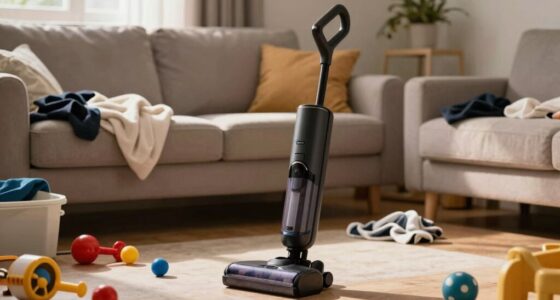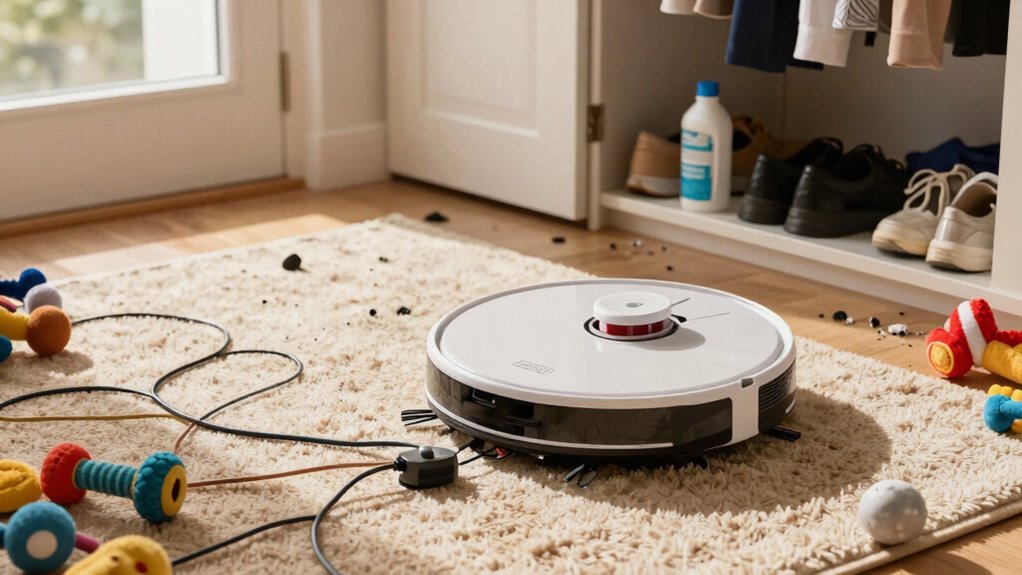

One common setup mistake that causes daily annoyance is misconfiguring your robot vacuum’s schedule or skipping sensor calibration. If your schedule isn’t properly set or conflicts with other commands, it may miss spots or run at inconvenient times. Omitting calibration or not adjusting sensors after moving furniture can lead to repeated obstacles or missed dirt. Fixing these issues ensures smoother, more efficient cleaning every day. Keep going to discover how to prevent these problems and improve your experience.

Get gifts for the two of you delivered free with Prime
- Fast, free delivery on millions of items
- Prime Video, Amazon Music and more included
- Member-only deals all year
Key Takeaways
- Incorrect scheduling, such as unsaved or conflicting settings, causes missed cleaning sessions and unexpected operation times.
- Poor sensor calibration leads to frequent wall bumps and obstacles, disrupting daily cleaning flow.
- Wi-Fi connection issues prevent app control and proper schedule activation, causing daily frustrations.
- Rushing setup steps or skipping calibration results in inefficient cleaning and repeated issues.
- Not updating firmware or environmental adjustments after furniture changes reduce cleaning effectiveness.
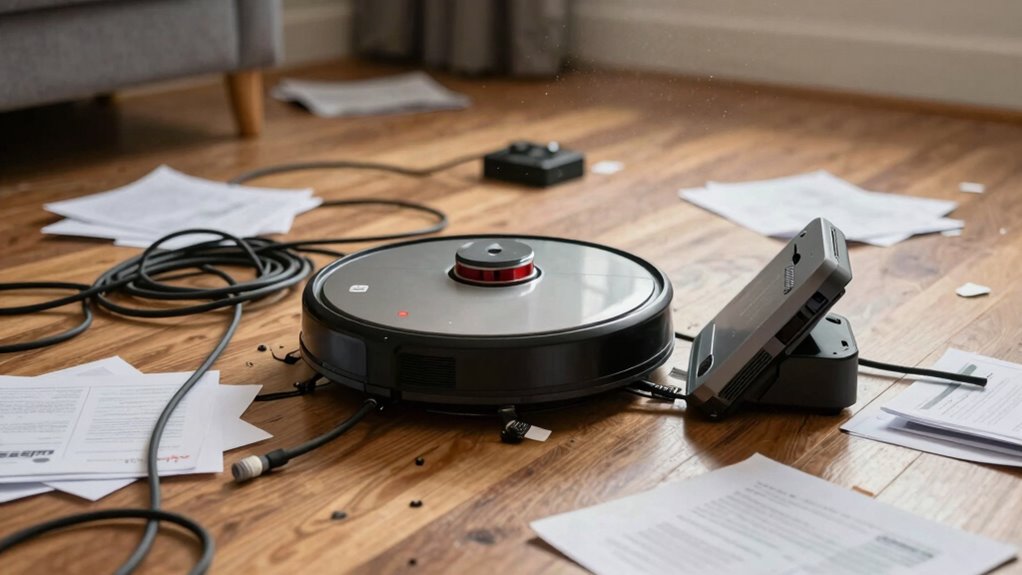
Have you ever set up a robot vacuum only to find it doesn’t clean as effectively as you expected? It’s frustrating, especially when you’ve followed the instructions carefully. Often, the problem isn’t the vacuum itself but a simple setup mistake that leads to daily annoyance. One of the most common issues is scheduling errors. If you don’t program the vacuum correctly or forget to set the cleaning schedule, it might run at inconvenient times or skip areas altogether. For example, you might want it to clean every morning, but if the schedule isn’t properly saved or conflicts with other settings, it won’t activate when you need it most. Double-check your app or control panel to confirm the schedule is correctly set, and that there are no conflicting commands. Also, make sure the vacuum is powered on and connected to Wi-Fi, as many scheduling features rely on a stable connection.
Another overlooked but critical setup step involves sensor calibration. Your robot vacuum uses sensors to navigate around furniture, detect obstacles, and avoid falls down stairs. If these sensors aren’t calibrated correctly during setup, the vacuum might bump into walls repeatedly, get stuck in the same spot, or miss cleaning entire rooms. Many users skip or rush through sensor calibration, assuming it’s automatic or unnecessary. However, taking a few minutes to calibrate the sensors properly can drastically improve performance. You might need to place calibration markers or follow specific instructions provided by your model to maximize sensor effectiveness. This step helps the vacuum understand its environment better, reducing the chances of it missing dirt or causing damage. Proper sensor calibration is especially important when you move your vacuum to a new home or rearrange furniture, as environmental changes can impact sensor accuracy. Additionally, understanding the importance of firmware updates can ensure your vacuum continues to operate at peak efficiency over time. Regularly updating firmware can also help maintain sensor accuracy and overall functionality. Staying on top of software algorithms updates ensures your device benefits from improvements in navigation and cleaning performance.
The combination of scheduling errors and poor sensor calibration often leads to frustration, because your vacuum isn’t functioning as intended. It might run at odd hours, ignore certain rooms, or get stuck repeatedly, making you wonder if it’s worth the investment. The fix is simple: carefully review your setup steps, verify your schedule is correctly saved, and dedicate time to calibrate sensors as instructed. Additionally, consulting your user manual for environmental adjustments can help optimize performance after moving or rearranging furniture. Once you do, you’ll notice a significant improvement in cleaning efficiency and reliability. Remember, a little extra effort during setup can save you hours of frustration later. Properly configuring your robot vacuum isn’t just about following instructions; it’s about understanding the importance of precise scheduling and sensor calibration. Fix these common mistakes, and your daily cleaning routine will become much smoother and more effective.
As an affiliate, we earn on qualifying purchases.
Frequently Asked Questions
How Often Should I Replace the Robot Vacuum Filters?
You should replace your robot vacuum filters every 1 to 3 months, depending on usage and filter type. Regular filter maintenance is essential to keep your vacuum performing well and avoid daily annoyances. Check the manufacturer’s recommended replacement schedule, and if you notice decreased suction or increased dust, it’s time to swap out the filters. Staying on top of filter maintenance guarantees your vacuum runs efficiently and prolongs its lifespan.
Can I Use a Robot Vacuum on All Floor Types?
Yes, you can use a robot vacuum on all floor types, but you should adjust your cleaning schedules accordingly. For carpets, set it to deep clean more often, while for hard floors, regular maintenance works fine. Keep an eye on battery life, as it impacts cleaning efficiency on different surfaces. Using the right settings guarantees maximum performance, reduces frustration, and extends your vacuum’s lifespan.
What’s the Best Way to Troubleshoot Connectivity Issues?
Think of your robot vacuum’s connectivity like a delicate dance. If it stumbles, check for wireless interference—move your router away from electronics or thick walls. Make sure your device’s software is compatible and up to date. Reboot your router and vacuum, then reconnect. This keeps the dance smooth, letting your robot clean seamlessly without frustrating disconnects. Staying proactive ensures your vacuum’s connection remains strong and reliable.
Do Robot Vacuums Work Well With Pet Hair?
Robot vacuums work pretty well with pet hair, especially if you choose a model designed for pet hair removal. They excel in cleaning efficiency, picking up pet hair from carpets and hard floors. To get the best results, regularly empty the bin and clean the brushes. This way, your robot vacuum maintains peak performance and keeps your home free of pet hair, making daily cleaning easier and more effective.
How Do I Update the Robot Vacuum’s Firmware?
To update your robot vacuum’s firmware, open the app connected to your device, then navigate to the device settings and select firmware updates. Make sure your vacuum’s battery is charged before starting, as low power can interrupt updates. Regular firmware updates improve performance, fix bugs, and enhance battery maintenance, ensuring your vacuum runs smoothly. Keep your app and device firmware current for the best cleaning results.
sensor calibration kit for robot vacuum
As an affiliate, we earn on qualifying purchases.
As an affiliate, we earn on qualifying purchases.
Conclusion
If you ignore this common setup mistake, your robot vacuum becomes a stubborn mule, refusing to do its job smoothly. Think of it as planting a seed in poor soil—you won’t get the lush, clean landscape you’re after. By taking a few extra minutes to set your vacuum up correctly, you’re nurturing a reliable partner that keeps your home spotless every day. Don’t let a simple error turn your cleaning routine into an uphill climb—set it right from the start.
As an affiliate, we earn on qualifying purchases.
As an affiliate, we earn on qualifying purchases.
Halloween Picks
halloween
As an affiliate, we earn on qualifying purchases.