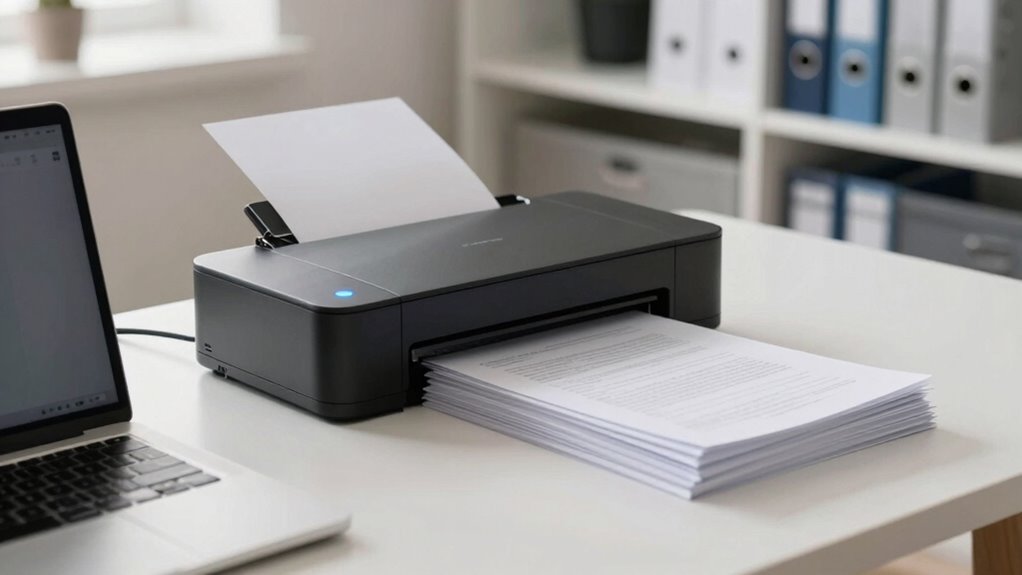

By developing a habit of regularly scanning your documents, you streamline your workflow and save hours later. Setting up automatic naming conventions, organizing files into folders, and integrating with cloud storage help you stay on top of your documents effortlessly. Using OCR technology makes files searchable, and quick backups ensure safety. Keep this habit consistent, and you’ll notice your workspace becomes more efficient and clutter-free. Continue exploring to discover how this simple change can transform your productivity.

Get gifts for the two of you delivered free with Prime
- Fast, free delivery on millions of items
- Prime Video, Amazon Music and more included
- Member-only deals all year
Key Takeaways
- Establish a routine for regular scanning to prevent document backlog and maintain organization.
- Use consistent naming conventions and categorization to facilitate quick retrieval later.
- Automate file organization with folders and cloud integration to streamline access and sharing.
- Implement OCR technology for searchable digital files, saving time on manual searches.
- Develop the habit of backing up scanned documents to ensure security and easy recovery.
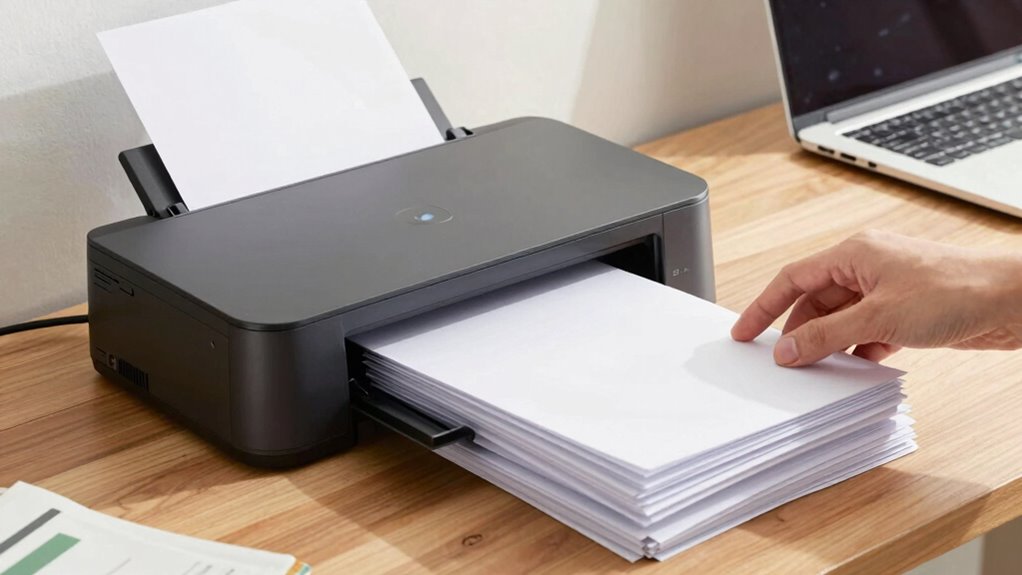
In today’s fast-paced world, developing the habit of using a document scanner can transform the way you manage information. Instead of drowning in paper clutter or wasting time searching for crucial files, you can digitize everything and streamline your workflow. When you scan documents regularly, you create a digital organization system that’s easy to navigate and maintain. This habit allows you to access files instantly, no matter where you are, saving you hours that would otherwise be spent rummaging through stacks of paper or digging through cluttered folders. By making scanning a routine, you prevent document backlog from piling up, ensuring your workspace remains neat and efficient.
Digitizing documents regularly keeps your workspace organized, saves time, and boosts productivity effortlessly.
One of the biggest advantages of adopting this habit is workflow automation. As you scan documents, you can set up automatic naming conventions, categorize files into folders, and even integrate them with your cloud storage or project management tools. This automation reduces manual effort, eliminates errors, and accelerates your entire process. For example, you might scan receipts and automatically label them with dates or vendors, then upload them directly into expense tracking software. Over time, this consistent practice transforms your manual document handling into a smooth, automated system, freeing you to focus on more strategic tasks.
The habit of scanning regularly also means you’re less likely to forget or lose important information. Digital backups are safer than physical copies and easier to share with colleagues, clients, or collaborators. Plus, with OCR (Optical Character Recognition) technology, your scanned files become searchable, meaning you can find specific words or phrases in seconds. This level of digital organization makes it simple to retrieve critical information quickly, whether you’re preparing reports, responding to inquiries, or filing taxes. Over time, this improves your productivity, reduces stress, and minimizes the frustration of hunting down misplaced documents. Incorporating digital organization into your routine ensures that your files are systematically managed and accessible when needed.
Getting into the scanner habit might seem like a small change, but it’s a powerful one. It encourages you to stay organized, keeps your workspace clutter-free, and leverages workflow automation to save time. Instead of viewing scanning as a tedious task, see it as an investment in your efficiency and peace of mind. The more consistent you are about digitizing documents, the more you’ll notice how much easier it becomes to manage your information. Eventually, this habit becomes second nature, transforming your approach to document handling and giving you hours of extra productivity each week.
Developing this document management habit can also help you build a more sustainable and eco-friendly workspace by reducing paper waste and energy consumption associated with physical storage. In addition, fostering a digital file organization routine not only benefits your productivity but also contributes positively to environmental sustainability.
As an affiliate, we earn on qualifying purchases.
Frequently Asked Questions
What Types of Documents Should I Prioritize Scanning First?
You should prioritize scanning important documents like financial records, legal papers, and medical files first. These are essential for digital organization and quick access in emergencies. By scanning and uploading them to cloud storage, you guarantee their safety and easy retrieval later. Focusing on these top-priority documents helps you stay organized, saves time, and reduces clutter, making your digital system more efficient and reliable.
How Often Should I Organize My Scanned Files?
Imagine scanning important tax documents annually; staying on top of digital organization makes retrieval easy. You should organize your scanned files weekly or bi-weekly, depending on your volume. Regularly updating your file naming conventions and folders keeps everything tidy. This habit prevents clutter, saves time during tax season, and guarantees quick access when needed. Consistent organization helps you stay in control of your digital files, avoiding chaos later.
What Equipment Is Best for High-Volume Scanning?
For high-volume scanning, opt for a commercial-grade document scanner with fast OCR capabilities. Look for models that support high-resolution scans and have automatic feeders to streamline the process. Prioritize scanners with seamless digital archiving features and cloud integration, so you can quickly upload and organize files without hassle. This setup guarantees efficient workflow, reduces manual effort, and keeps your digital archive accessible from anywhere.
How Do I Ensure My Scanned Documents Are Secure?
To guarantee your scanned documents are secure, you should implement digital encryption to protect data during storage and transfer. Additionally, set up access controls so only authorized individuals can view or modify sensitive files. Regularly update your security measures, use strong passwords, and monitor access logs. By combining encryption with strict access controls, you create a robust security system that keeps your digital documents safe from unauthorized access.
Can Scanning Replace Physical Storage Entirely?
Scanning can replace physical storage for many documents, especially with digital archiving and cloud storage. You can securely store your files online, freeing up physical space and making access easier. However, consider backing up critical documents in multiple locations and keeping physical copies for legal or sensitive reasons. While digital storage is efficient, maintaining some physical backups guarantees your data stays safe against digital failures or cyber threats.
automatic document feeder scanner
As an affiliate, we earn on qualifying purchases.
As an affiliate, we earn on qualifying purchases.
Conclusion
By making the document scanner habit a daily routine, you’ll save hours later when searching for important files. Some might think it’s tedious or time-consuming, but the long-term benefits outweigh the initial effort. Plus, with a little consistency, it becomes second nature. Over time, you’ll wonder how you ever managed without this simple habit—streamlining your workflow, reducing stress, and freeing up your schedule. Give it a try; your future self will thank you.
cloud compatible document scanner
As an affiliate, we earn on qualifying purchases.
As an affiliate, we earn on qualifying purchases.
portable handheld document scanner
As an affiliate, we earn on qualifying purchases.
As an affiliate, we earn on qualifying purchases.
Fall Picks
fall essentials
As an affiliate, we earn on qualifying purchases.