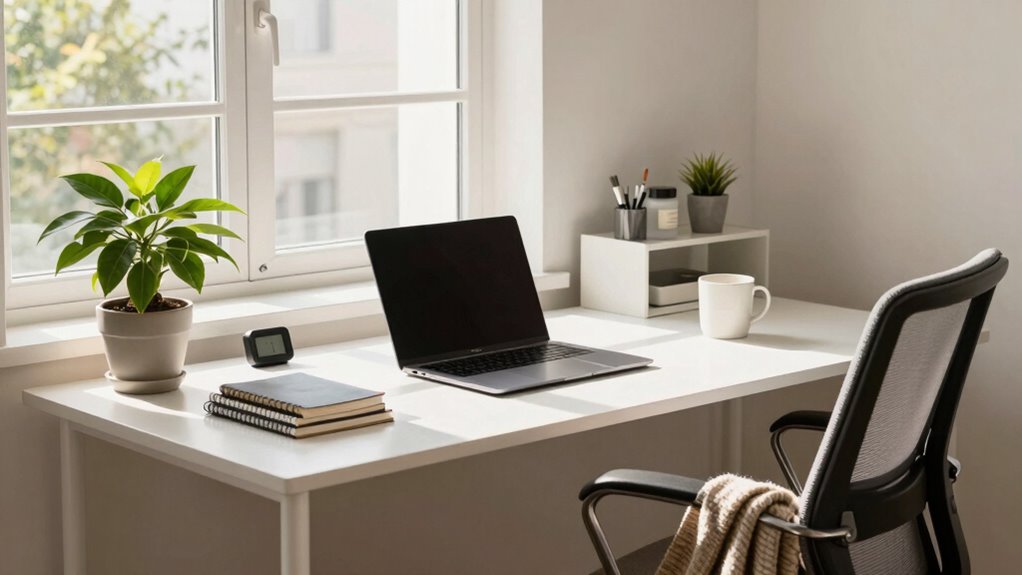

To make your home office budget work smarter, focus on affordable ergonomic furniture like supportive chairs and sturdy desks, and consider repurposing existing pieces. Upgrade your tech with secondhand devices and add a high-quality monitor for comfort and efficiency. Keep security simple and organize your space with cost-effective tools to boost productivity. With smart choices, you can create a comfortable, professional setup without overspending—stay with us to discover more tips and tricks.

Get gifts for the two of you delivered free with Prime
- Fast, free delivery on millions of items
- Prime Video, Amazon Music and more included
- Member-only deals all year
Key Takeaways
- Prioritize ergonomic furniture and accessories that promote good posture without overspending.
- Upgrade existing devices with affordable RAM or storage enhancements for better performance.
- Use secondhand or refurbished tech to save costs while maintaining functionality.
- Organize your workspace efficiently with affordable tools and repurposed furniture to boost productivity.
- Focus on essential security practices and workspace comfort to ensure long-term health and data safety.
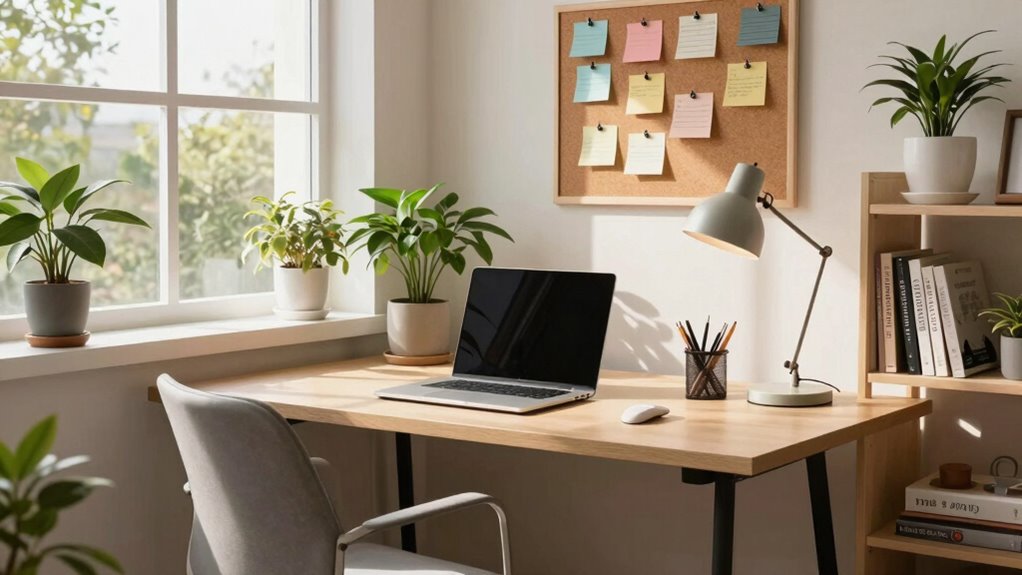
Creating a home office on a budget doesn’t mean you have to sacrifice comfort or productivity. With a strategic approach, you can craft a space that feels professional and inviting without overspending. The key is to focus on essentials that boost efficiency and well-being, especially when it comes to ergonomic furniture and tech upgrades. You don’t need the most expensive items—just the right ones that meet your needs and fit your budget.
Start with ergonomic furniture. Investing in a good chair and desk is vital because you’ll be spending hours there. Look for budget-friendly ergonomic office chairs that offer proper lumbar support and adjustable height. You don’t have to buy top-of-the-line; many affordable options provide the necessary comfort to prevent back pain and fatigue. Pair your chair with a sturdy desk that suits your space and work style. If a traditional desk is out of reach, consider repurposing a sturdy table or using a combination of affordable shelving units with a flat surface. The goal is to create a setup that promotes good posture and minimizes discomfort, which ultimately improves your focus and productivity.
Choose affordable, ergonomic furniture to support comfort and boost productivity in your home office setup.
Next, prioritize tech upgrades that give you the most bang for your buck. A reliable computer or laptop is essential, but you don’t need the latest model if your current device is functional. Sometimes, adding more RAM or upgrading your storage can dramatically improve performance without a hefty price tag. Consider purchasing a secondhand or refurbished device from reputable sources to save money. Also, invest in a high-quality external monitor if you work with multiple windows or detailed graphics—this can boost your efficiency and reduce eye strain. Don’t forget accessories like a good keyboard, mouse, and a webcam if you have video calls frequently; these can be found at reasonable prices and make a significant difference in your daily workflow. Being aware of digital security best practices can also help protect your data without additional costs. Additionally, choosing cost-effective technology options can maximize your investment. Incorporating smart organization tools and techniques can further enhance your workspace and efficiency. Remember, using ergonomic principles in your setup can also prevent long-term health issues and improve your comfort throughout the workday. Paying attention to workspace ergonomics can contribute to better posture and overall health during long work hours.
affordable ergonomic office chair
As an affiliate, we earn on qualifying purchases.
As an affiliate, we earn on qualifying purchases.
Frequently Asked Questions
What Are the Best Budget-Friendly Ergonomic Office Furniture Options?
You should look for affordable seating like ergonomic chairs with adjustable features that support good posture without breaking the bank. Pair this with budget-friendly desks made from durable materials, such as compact, space-saving designs or repurposed furniture. Combining these options guarantees comfort and functionality while sticking to your budget. Prioritize adjustable features and sturdy construction to maximize value without sacrificing ergonomics.
How Can I Improve My Home Office Lighting on a Budget?
Think of your home office lighting as the sunlight that fuels your productivity. You can boost it with DIY lighting solutions like affordable LED desk lamps or clip-ons, which provide focused illumination without breaking the bank. Maximize natural illumination by positioning your desk near windows and using light-colored curtains. These simple, budget-friendly tips help create a bright workspace that energizes your workday without costing a fortune.
Are There Affordable Tech Gadgets to Boost Productivity?
Yes, you can boost your productivity with affordable tech gadgets. A smart gadget like a Bluetooth headset or a portable monitor helps you multitask efficiently. Investment in productivity tools like a digital planner or a time-tracking app keeps you organized and focused. These gadgets are budget-friendly and can considerably enhance your workflow, making your home office more effective without breaking the bank.
How Do I Prioritize Essential Home Office Expenses?
You should prioritize essential home office expenses by focusing on office supply management and expense tracking. Start by listing necessary items like a good chair and reliable internet, then track your spending carefully. Avoid unnecessary gadgets and keep a budget in mind. Regularly review your expenses to guarantee you’re investing in what truly enhances your productivity, making your budget work smarter rather than harder.
What Are Cost-Effective Ways to Organize My Workspace?
You can organize your workspace cost-effectively by using simple decor organization tips and smart storage solutions. Opt for budget-friendly storage bins, wall-mounted shelves, or repurpose existing furniture for additional organization. Keep clutter at bay by regularly sorting and donating unused items. Incorporate DIY decor ideas to personalize your space without overspending. These strategies help you create a tidy, functional home office without breaking the bank.
As an affiliate, we earn on qualifying purchases.
Conclusion
Now that you’ve uncovered these budget-savvy secrets, your home office is on the brink of transformation. But here’s the twist—there’s one final move that could elevate your space even further. Are you ready to open the ultimate hack that turns your budget into a powerhouse of productivity? Stay tuned, because what’s coming next might just change everything you thought you knew about creating the perfect home office. The best is yet to come…
As an affiliate, we earn on qualifying purchases.
ergonomic keyboard and mouse set
As an affiliate, we earn on qualifying purchases.
As an affiliate, we earn on qualifying purchases.
Columbus Day / Indigenous Peoples' Day Picks
long weekend sales
As an affiliate, we earn on qualifying purchases.