
To truly earn their keep, invest in high-quality webcams and noise-canceling microphones for clear communication. Upgrading to larger, high-resolution monitors and dual screens boosts your efficiency and reduces eye strain. Ergonomic accessories like supportive chairs and adjustable desks keep you comfortable during long sessions. Fast, reliable internet guarantees smooth connectivity, while hardware upgrades improve overall performance. These essential upgrades create a more productive, comfortable workspace—you’ll discover even more ways to optimize your home office as you explore further.

Get gifts for the two of you delivered free with Prime
- Fast, free delivery on millions of items
- Prime Video, Amazon Music and more included
- Member-only deals all year
Key Takeaways
- Invest in high-quality webcams and microphones for professional, clear virtual meetings.
- Upgrade to larger, high-resolution monitors or dual setups to boost productivity and reduce eye strain.
- Use ergonomic chairs and adjustable desks to enhance comfort and prevent musculoskeletal issues.
- Ensure reliable, fast internet to maintain seamless connectivity during remote work.
- Regularly update hardware and software for optimal performance and security.
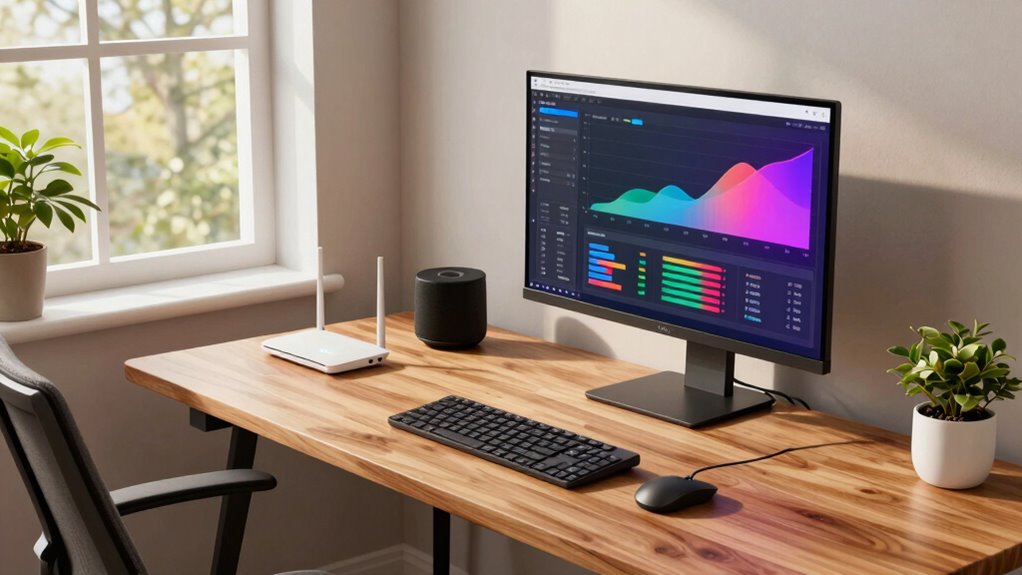
Upgrading your home office tech can substantially boost your productivity and comfort. When you invest in the right tools, you’ll find it easier to stay focused, communicate effectively, and feel less fatigued after long work sessions. One of the most impactful upgrades is enhancing your virtual collaboration setup. With the rise of remote work, seamless communication tools are essential. A high-quality webcam and a clear, noise-canceling microphone ensure your video calls look and sound professional, helping you connect more effectively with colleagues and clients. Pair these with reliable, fast internet and a user-friendly collaboration platform, like Zoom or Microsoft Teams, to make virtual meetings more efficient. These tools eliminate misunderstandings and keep your projects moving forward without frustration. Additionally, choosing appropriate collaboration tools that integrate well with your workflow can further enhance your productivity and reduce technical issues.
Enhance your home office with quality webcams, noise-canceling mics, and fast internet for seamless remote collaboration.
Alongside virtual collaboration, ergonomic accessories are a must-have upgrade. Spending hours at your desk can take a toll on your body if your workspace isn’t set up correctly. Ergonomic chairs provide proper lumbar support, reducing back pain, while adjustable desks let you switch between sitting and standing, which can improve circulation and decrease fatigue. Additionally, ergonomic accessories like keyboard trays, wrist rests, and monitor stands help maintain proper posture, preventing strain on your neck, shoulders, and wrists. Incorporating workspace ergonomics tips can make a significant difference in how comfortably you work throughout the day, ultimately boosting your focus and efficiency. Paying attention to workspace ergonomics can also help prevent long-term musculoskeletal issues, making your workspace both comfortable and safe.
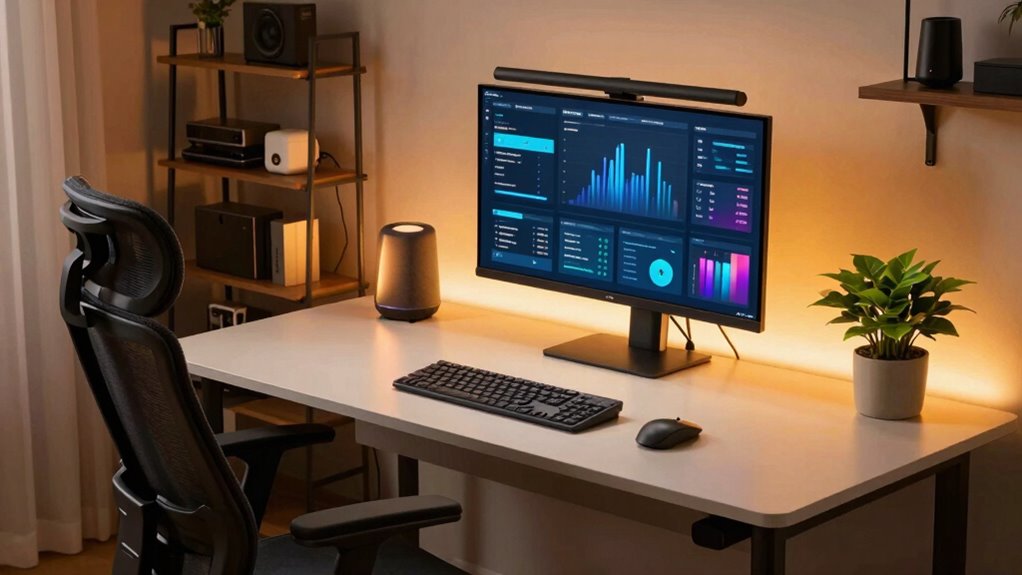
Investing in quality tools also means considering your display setup. A larger, high-resolution monitor can increase your productivity by giving you more screen real estate to multitask and view detailed documents or spreadsheets without constant toggling. Dual monitors or a monitor with an adjustable stand can further streamline your workflow. When your workspace is comfortable and well-equipped, you’re less likely to experience distractions caused by discomfort or technical frustrations. Proper display ergonomics can reduce eye strain and help maintain your focus during long work sessions.
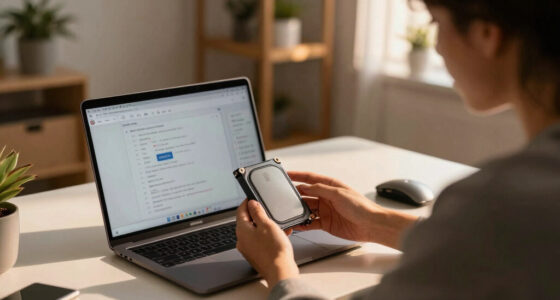
Finally, don’t overlook the importance of reliable hardware and software. Upgrading your computer or laptop to a faster, more capable device ensures smoother multitasking and less downtime. Keep your software updated to benefit from security patches and new features. By pairing powerful hardware with the right accessories and collaboration tools, you create a home office environment that’s not just functional but optimized for productivity. These upgrades pay off over time, helping you work smarter, stay connected, and maintain your well-being—all from the comfort of your home.
high-quality webcam for video conferencing
As an affiliate, we earn on qualifying purchases.
As an affiliate, we earn on qualifying purchases.
Frequently Asked Questions
How Do I Prioritize Tech Upgrades on a Budget?
To prioritize tech upgrades on a budget, start with budget planning by identifying essential needs versus nice-to-haves. Focus on upgrades that boost productivity or security first. Consider upgrade timing—wait for sales or discounts to save money. Regularly review your tech setup to avoid unnecessary expenses. By planning carefully and timing upgrades wisely, you guarantee your home office stays efficient without overspending, making every dollar count.
What Security Measures Are Essential for Home Office Tech?
Your home office security should be like a fortress wall. Prioritize implementing cybersecurity protocols to defend against threats. Use strong, unique passwords and enable two-factor authentication. Data encryption is essential to protect sensitive information during transmission and storage. Regularly update your software to patch vulnerabilities. Consider a reliable firewall and antivirus program. These measures create a solid defense, ensuring your work remains private and secure against cyber threats.
How Often Should I Upgrade My Home Office Equipment?
You should upgrade your home office equipment every 3 to 5 years, or sooner if your devices become outdated or slow. Prioritize ergonomic accessories to improve comfort and prevent strain, and guarantee you have reliable backup solutions in place to protect your data. Regular upgrades keep your setup efficient and secure, helping you stay productive and safe from technical issues that can disrupt your work.
Are There Eco-Friendly Tech Options for the Home Office?
You can definitely find eco-friendly tech options for your home office. For example, installing solar panels can power your workspace sustainably, reducing reliance on grid electricity. Additionally, choosing energy-efficient devices, like LED monitors and low-power laptops, cuts down energy consumption. These upgrades not only help the environment but can also save you money long-term, making your home office greener and more cost-effective.
How Can I Optimize Wi-Fi for Better Remote Work Performance?
To optimize Wi-Fi for better remote work, start with Wi-Fi optimization by placing your router in a central, open location. Use signal boosters or range extenders to eliminate dead zones and improve coverage across your home office. Regularly update your router’s firmware and choose a less congested Wi-Fi channel. These steps guarantee a stronger, more reliable connection, boosting your productivity and reducing frustrating interruptions during work hours.
noise-canceling microphone for computer
As an affiliate, we earn on qualifying purchases.
As an affiliate, we earn on qualifying purchases.
Conclusion
Upgrading your home office tech isn’t just about fancy gadgets — it’s about boosting productivity and comfort. Some say investing in high-quality gear won’t pay off, but research shows that the right tools can reduce stress and improve focus. So, go ahead and make those upgrades; they truly earn their keep. When you equip yourself with smarter tech, you’re not just working harder — you’re working better, and that’s a win worth the investment.
ergonomic office chair with lumbar support
As an affiliate, we earn on qualifying purchases.
As an affiliate, we earn on qualifying purchases.
As an affiliate, we earn on qualifying purchases.
Halloween Picks
halloween
As an affiliate, we earn on qualifying purchases.