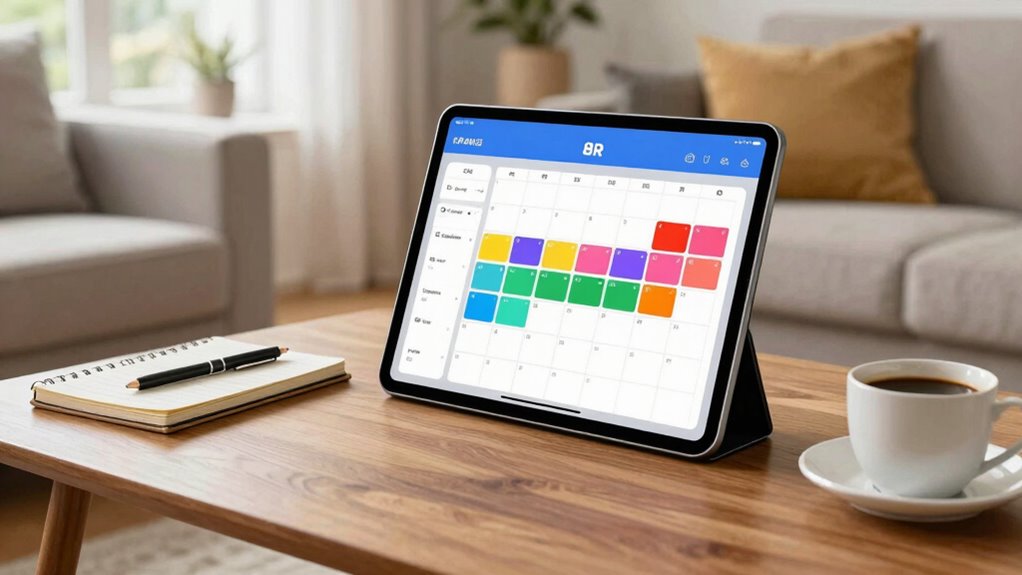

To make shared calendars truly helpful, choose platforms that sync seamlessly across all devices for real-time updates and notifications. Set privacy permissions carefully, so sensitive info stays private while everyone stays informed. Establish a routine for regular updates and encourage household members to check the calendar daily. Use visual cues like color-coding to clarify tasks and keep it organized. Open communication about boundaries ensures everyone feels respected. Keep these tips in mind, and you’ll gain access to the full potential of your household calendar system.

Get gifts for the two of you delivered free with Prime
- Fast, free delivery on millions of items
- Prime Video, Amazon Music and more included
- Member-only deals all year
Key Takeaways
- Ensure seamless digital synchronization across all household devices for real-time updates and reminders.
- Establish clear privacy settings and permissions to protect sensitive information and manage access.
- Create a consistent routine for updating and checking the calendar to maintain accuracy and accountability.
- Use visual cues like color-coding and categorize entries for quick understanding and organization.
- Promote open communication about boundaries, responsibilities, and privacy to foster trust and cooperation.

Managing household chores and schedules can be a challenge, especially when multiple people are involved. Shared calendars are a great tool to keep everyone on the same page, but only if they’re used effectively. To make shared calendars genuinely helpful, you need to focus on digital synchronization. This means choosing a platform that seamlessly updates across all devices—whether someone checks their phone, tablet, or computer. When everyone’s calendar is synchronized in real time, you avoid missed appointments or double bookings. It’s vital to select a user-friendly app that supports notifications so you’re alerted about upcoming chores, appointments, or events. This way, no one forgets what’s scheduled, and responsibilities stay clear.
However, with shared calendars, privacy management becomes essential. Not every detail needs to be visible to everyone in the household. You might want to keep certain appointments or personal notes private, especially if you’re using the calendar for sensitive information. Most digital calendar tools let you set permissions or mark entries as private. This ensures that only relevant household members see what they need to, while sensitive details remain confidential. You also need to establish clear boundaries about what gets added to the calendar—what’s everyone’s responsibility, what’s optional, and what’s personal. Having open communication about privacy helps prevent misunderstandings or discomfort, making the calendar a tool for cooperation rather than conflict. Understanding how digital synchronization works is essential to maintaining an effective shared calendar system. Additionally, creating a shared routine for updates encourages consistency and keeps everyone accountable. Incorporating an understanding of indoor air quality and its impact on health can also be part of your household discussions, promoting a healthier environment at home.
To make shared calendars work, consistency is key. Everyone should commit to updating their entries promptly, so the calendar remains accurate. Encourage your household members to check the calendar regularly—perhaps at the start of each day—to stay informed. Color-coding or categorizing entries can also help differentiate chores, appointments, or special events, making the calendar easier to read at a glance. Additionally, integrating the calendar with other digital tools—like task managers or reminder apps—can streamline household management even further. Building habits around calendar updates ensures the system remains reliable and useful for everyone involved.
In the end, shared calendars are most effective when they’re part of an organized system that respects everyone’s privacy and promotes open communication. By focusing on digital synchronization, you ensure everyone stays in sync, and by managing privacy thoughtfully, you foster trust within your household. When used properly, shared calendars become a simple yet powerful way to coordinate household chores and schedules, reducing stress and making daily life run more smoothly.
Products Worth Considering

Garmin Forerunner 70 GPS Running Smartwatch, 43 mm, Black

Philips Sonicare DiamondClean 9900 Prestige Electric Toothbrush

Levoit Core 600S-P Smart Air Purifier for Large Rooms
As an affiliate, we earn on qualifying purchases.
Frequently Asked Questions
How Do I Choose the Best Calendar App for My Household?
Choose a calendar app that offers seamless family synchronization, making it easy to keep everyone’s schedules aligned. Prioritize app compatibility with your devices and other tools you use daily, like smartphones or smart home systems. Look for features like shared access, notifications, and customization options. Test a few options to see which one feels most intuitive and effective for your household’s needs, ensuring everyone stays on the same page effortlessly.
How Can I Ensure Everyone Updates the Shared Calendar Consistently?
Keeping everyone updated is like keeping a garden thriving—you need consistent care. To guarantee your household updates the shared calendar, set reminder notifications for upcoming events, and encourage everyone to check and update it regularly. Use calendar color coding to categorize family activities, making it visually simple to see what’s happening. Regularly remind your family to add events, and praise those who keep the calendar current to foster cooperation.
What Privacy Settings Should I Consider for Household Calendars?
You should review privacy controls within your shared calendar app to protect sensitive information. Set access restrictions so only family members can view or edit certain events, especially personal or private ones. Consider creating different levels of access, like view-only for some members and full editing rights for others. Regularly update these privacy settings to maintain control, ensuring everyone’s information remains secure while still sharing key household schedules.
How Do I Handle Conflicting Schedules in a Shared Calendar?
When conflicting schedules collide, calmly coordinate by clear conflict resolution. Prioritize plans by importance, considering urgent events first, then flexibility. Communicate openly with household members, encouraging collaboration and compromise. Use the shared calendar to highlight conflicts and adjust accordingly. By balancing boldness with patience, you streamline schedule prioritization, transforming chaos into clarity. This proactive approach helps everyone stay on the same page, ensuring household harmony and avoiding confusion.
Can Shared Calendars Integrate With Other Household Management Tools?
Yes, shared calendars can integrate with other household management tools, enhancing family synchronization. Many apps offer compatibility features, allowing you to connect your calendar with grocery lists, chore apps, or messaging platforms. This seamless app compatibility helps streamline communication and task management, ensuring everyone stays on the same page. By linking these tools, you create a more efficient household system, reducing conflicts and making coordination effortless for all family members.
Conclusion
By now, you see how shared calendars can truly streamline your household. They keep everyone on the same page, reduce confusion, and help manage busy schedules effortlessly. But are you ready to turn this tool into your household’s secret weapon? Remember, the key is consistency and communication. So, why not give it a try today and experience the difference it makes? Your household’s organized future is just a shared calendar away!